
Highwings Ultra High Speed HDMI Cable
4.7Editor score
48Gbps ultra-high-speed rating
4K120 gaming support
Reinforced nylon cable design
This expert guide compares 10 HDMI Cable for Xbox Series X options, covering HDMI 2.1 bandwidth, 4K gaming, HDR, VRR, durability, and setup fit for every type
Connecting an Xbox Series X to a modern television is simple, but choosing the right HDMI cable can determine whether you get the full benefit of 4K gaming, high refresh rates, HDR, VRR, and modern audio features. A capable cable also needs a durable connector and enough length to suit your entertainment setup without creating unnecessary clutter.
This guide compares ten HDMI cables listed for Xbox Series X use, evaluating their advertised HDMI generation, bandwidth, maximum resolutions, gaming features, connector construction, length, and compatibility. The list includes certified ultra-high-speed models, braided options, shorter console-focused cables, and longer cables for installations where the television is farther from the gaming area.
Each review explains the cable's strongest features, practical limitations, and ideal setup. The top selections represent a well-rounded shortlist, but the right choice ultimately depends on your television, gaming preferences, and room layout. Product availability and pricing can change, so confirm the latest specifications and current listing details before buying.
4.7Editor score

4.8Editor score

4.8Editor score
The table below compares every shortlisted cable by its advertised bandwidth, high-resolution gaming capability, physical length, and key construction features, making it easier to match a cable to your Xbox Series X and television setup.

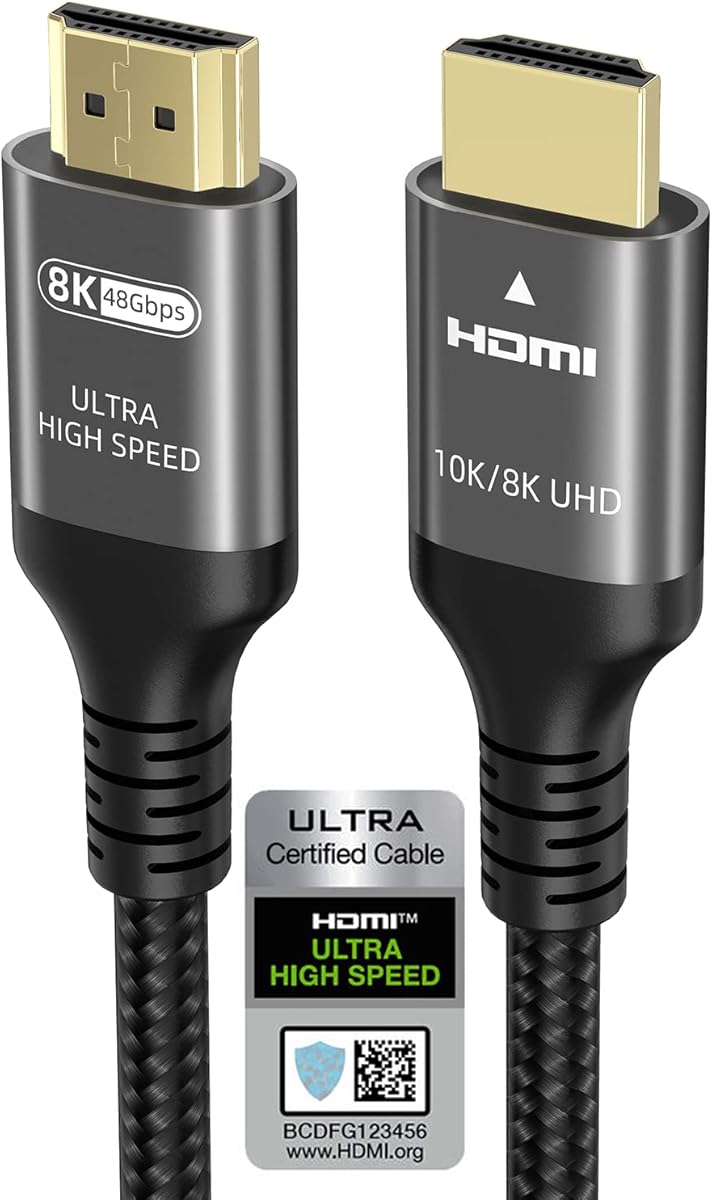


The Highwings 8K 10K 4K HDMI Cable is a 4.7-rated option that brings a surprisingly complete feature set to the budget end of this guide. Its stated 48Gbps bandwidth, HDMI 2.1 positioning, and support for 4K at 120Hz make it a natural fit for an Xbox Series X connected to a modern gaming television. The six-foot-plus length also provides enough flexibility for most entertainment consoles without taking up unnecessary space.
We may earn a commission when you buy through this link, at no additional cost to you.
Its standout strength is the combination of modern gaming features and a practical physical design. The cable advertises variable refresh rate, 8K at 60Hz, 4K at 120Hz, and compatibility with several earlier HDMI generations. Highwings also emphasizes an upgraded anti-bending tail and military-grade tensile nylon, both of which are useful qualities in a frequently handled console connection. That makes it better suited to long-term daily use than a disposable-looking alternative.
The main limitation is that its advertised resolution list is less expansive than some competing cables. While 4K at 240Hz appears in the product description, the headline emphasis is on 8K60, 4K120, and 48Gbps rather than the broadest possible refresh-rate matrix. A television that can accept 4K at 144Hz or 240Hz may still perform well, but buyers with specialized high-refresh displays should verify the exact combination of resolution, color format, and refresh rate they intend to use.
This is a strong recommendation for Xbox Series X owners who want a capable, modern cable without paying for unnecessary extras. It should be especially attractive to players who want 4K120, VRR, and HDR potential in a conventional living-room setup. Choose it when six feet of reach, a reinforced cable body, and broad console compatibility matter more than premium branding or an exhaustive resolution chart.
Supporting 4K at 120Hz makes this cable suitable for the Xbox Series X's most important high-resolution gaming mode. VRR support also complements compatible televisions, helping the display synchronize its refresh behavior with the console for smoother presentation.
The upgraded anti-bending tail and tensile nylon jacket target one of the most vulnerable parts of any HDMI cable. That design is especially helpful near the Xbox, where the plug may be moved, routed tightly, or bumped during routine use.
We may earn a commission when you buy through this link, at no additional cost to you.
Silkland's Certified HDMI 2.1 Cable is a 4.7-rated model aimed at gamers and home-entertainment users who want more than basic 4K support. Its stated 48Gbps bandwidth, braided construction, and extensive range of refresh rates make it particularly interesting for an Xbox Series X setup. It supports 4K at 120Hz and 4K at 144Hz, although actual output also depends on the console mode, game, television, and graphics settings.
We may earn a commission when you buy through this link, at no additional cost to you.
One of the most useful features is the stated HDMI 2.1 certification, which can be checked by scanning a QR code with a certification app. The cable also lists 10K at 60Hz, 5K at 120Hz, dynamic HDR, HDCP 2.2 and 2.3, and enhanced audio features including eARC or ARC. Its exclusive E-Braid construction combines double-layer fishnet winding and nylon braiding, while copper cores and ferrite magnetic beads are intended to support stable signal transmission.
Its feature list is extensive, but that breadth can make the product feel more complex than necessary for a straightforward console connection. Some listed modes, such as 4K at 144Hz and 5K at 120Hz, are primarily relevant to PC gaming rather than ordinary Xbox Series X output. The detailed compatibility and post-sales claims also add little practical value unless you know which standards your television, sound system, and content actually support.
Silkland is a convincing all-around choice for an Xbox Series X owner with a capable television and an interest in future-ready features. It is especially useful if you also use the connection with a PC, projector, soundbar, or other HDMI equipment. Buy it for its broad feature coverage and braided construction, but confirm the relevant certification and display mode before purchase.
A stated certification label and QR-code verification process offer a useful way to check the cable's claimed status. This is more reassuring than relying only on broad bandwidth language in an unverified product description.
Support for modern HDR, eARC, HDCP, and wide-ranging display modes makes the cable useful across consoles, PCs, projectors, and audiovisual receivers. It can reduce cable duplication in a setup that serves several high-bandwidth devices.
We may earn a commission when you buy through this link, at no additional cost to you.
Ubluker's 6.6FT Certified Passed HDMI cable combines a 4.7 rating with an unusually dense list of advertised capabilities. It supports 48Gbps bandwidth, 10K at 60Hz, 8K at 60Hz, and as many as 4K at 240Hz. For an Xbox Series X, the important part is the combination of 4K high-refresh support, VRR, ALLM, and broad compatibility with modern televisions and sound systems.
We may earn a commission when you buy through this link, at no additional cost to you.
The official HDMI certification label and stated compliance with HDMI Forum requirements give this model a clear advantage over cables that rely entirely on generic 8K or high-speed terminology. Its feature list also includes low EMI, SBTM, QMS, QFT, dynamic HDR, HDR10+, CEC, HDCP 2.2 and 2.3, and VESA DSC 1.2a. Audio support includes eARC, ARC, DTS Master Audio, DTS:X, Dolby TrueHD, Dolby Vision, and Dolby Atmos.
The drawback is that the sheer quantity of specifications may not benefit every buyer. Many of the highest resolution modes are aimed at PC users, projectors, or professional applications rather than the Xbox Series X. Furthermore, a cable cannot independently create support that a television lacks. If your display only accepts 4K at 60Hz or 120Hz, much of the listed capability will go unused even though the cable itself remains highly capable.
The Ubluker is a strong choice for a multi-device entertainment center where the Xbox shares the television with a PC, streaming box, Blu-ray player, or projector. It provides the bandwidth headroom and standards coverage expected from a modern ultra-high-speed cable. For a simple living-room Xbox connection, it is still more than sufficient, but the feature density rewards buyers who understand their display and audio equipment.
VRR, ALLM, QFT, QMS, and DSC support cover several modern display and gaming behaviors. These features are particularly useful when a television or projector handles multiple source devices with different picture and refresh-rate requirements.
The advertised support for high-bitrate audio formats and modern HDR standards makes the cable relevant to soundbars and advanced receivers. Consumers should still verify that their television and audio hardware support the specific formats they want to use.
We may earn a commission when you buy through this link, at no additional cost to you.
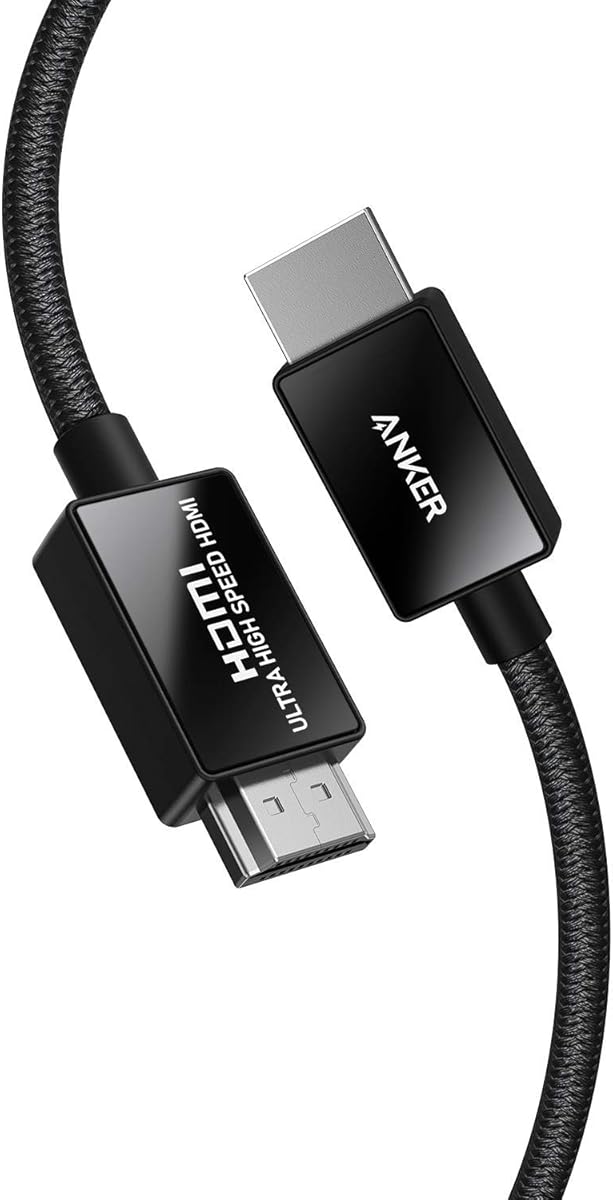
The Anker HDMI 2.1 Cable earns a 4.8 rating, tying the highest customer rating among the products in this comparison. It combines official HDMI Forum certification, 48Gbps bandwidth, 8K at 60Hz, and 4K at 120Hz in a well-balanced package. The result is one of the clearest choices for an Xbox Series X owner who values both modern specifications and a refined physical design.
We may earn a commission when you buy through this link, at no additional cost to you.
Anker highlights carbon steel connectors, gold-plated pins, and a double-braided nylon finish. The product information says the connectors are designed to withstand 10,000 plug-and-unplug cycles, which is reassuring for a cable that remains connected to a frequently used console. Its HDMI source compatibility explicitly includes Xbox Series X and S, and its 4K at 120Hz capability aligns with the Xbox's most demanding mainstream gaming mode.
This cable does not claim 4K at 240Hz, so it is not the most aggressive option for specialized high-refresh PC displays. Its certification is also focused on ultra-high-speed HDMI performance rather than an exhaustive list of gaming and audio features. Nevertheless, the essentials are all there: 4K120, 8K60, strong interference protection, and a durable connector design without an excessively long specification list.
The Anker is our Editor's Choice because it balances capability, construction, recognized presentation, and warranty support better than most alternatives. It is ideal for a primary gaming television, especially if the Xbox sits in a frequently used entertainment center. Choose it when dependable 4K high-refresh gaming and a refined cable build matter more than chasing the highest possible PC-oriented refresh rate.
Official certification and explicit 4K120 support give the cable a clear role as a main Xbox connection. It can handle the console's most important high-resolution mode while retaining backward compatibility with earlier HDMI standards.
Gold-plated pins, steel connector components, and a double-braided jacket address durability at both electrical-contact and cable-body levels. The stated 10,000-cycle plug-and-unplug rating is a useful indicator for a permanently installed but regularly handled connection.
We may earn a commission when you buy through this link, at no additional cost to you.
Snowkids' 10FT HDMI Cable is a 4.6-rated option whose defining advantage is its ten-foot length. It provides substantially more placement flexibility than a five- or six-foot cable, making it useful for entertainment centers where the television sits on a wall, on a raised stand, or farther from the console shelf. It also carries 48Gbps bandwidth and supports 8K at 60Hz and 4K at 120Hz.
We may earn a commission when you buy through this link, at no additional cost to you.
The cable is described as certified HDMI 2.1 with backward compatibility for earlier HDMI versions. Its feature set includes 3D, Ethernet, HDR, eARC, VRR, QFT, QMS, ALLM, and DSC, along with TrueHD 7.1 audio. Physical details include 24K gold-plated ports, military-grade tensile nylon, and an SR flexible-strength design advertised to withstand 25,000 flexes. Four included HDMI anti-slip strips can help keep connected devices secure.
Its main caveat is the stated use for both indoor and outdoor environments. A long HDMI cable exposed to weather is not a conventional or necessarily desirable installation, even if the product is described as weather-resistant in some way. Buyers should also note that the 4.6 rating is the lowest among these ten options, although it still represents a generally favorable customer assessment. Extra length can also introduce unnecessary slack if the console is close to the television.
Snowkids is most appropriate when your layout requires roughly ten feet of reach and you want a certified cable with modern Xbox gaming features. It is less compelling for a compact setup where a short cable would be tidier. For a wall-mounted television or long media console, however, the added reach can make installation considerably easier.
Ten feet of cable makes the product practical for wall-mounted televisions and consoles placed away from the screen. It reduces the need for extension adapters, which can add clutter or introduce avoidable connection points.
The flexible nylon construction and gold-plated ports target the stress points around the connectors. Anti-slip strips add another layer of stability for devices placed in entertainment cabinets or on shared surfaces.
We may earn a commission when you buy through this link, at no additional cost to you.
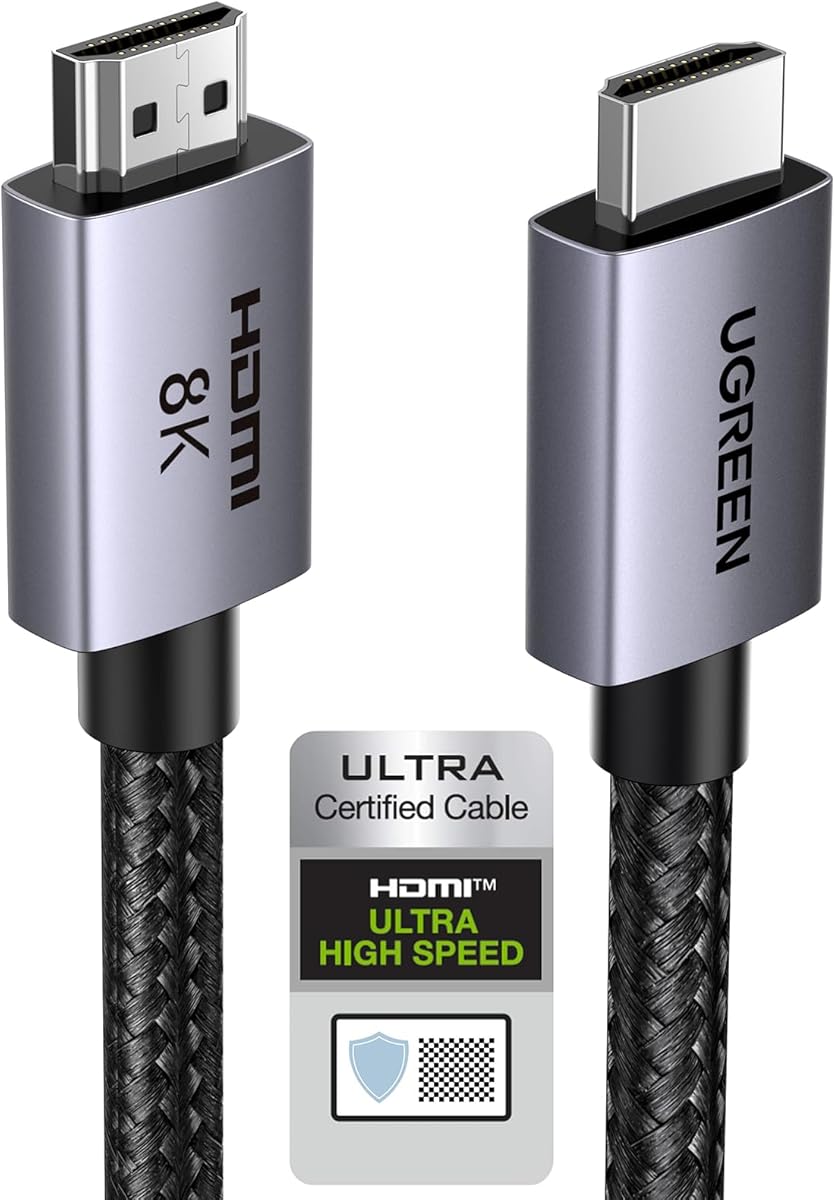
UGREEN's 6.6FT HDMI 2.1 Cable combines a 4.8 rating with one of the strongest technical profiles in the guide. It advertises 48Gbps bandwidth, 8K at 60Hz, and 4K at 240Hz, along with VRR, ALLM, QFT, and quick media switching. That makes it an excellent general-purpose HDMI cable for an Xbox Series X, especially when the same setup also includes a high-end PC or television.
We may earn a commission when you buy through this link, at no additional cost to you.
The cable also supports Dynamic HDR with 12-bit color accuracy, eARC for full-resolution audio delivery to a soundbar or receiver, HDCP 2.2 and 2.3, Ethernet, and 3D. Its physical design uses aluminum alloy connector housings, nickel-plated contacts, and a nylon braided jacket. The wide compatibility list explicitly includes Xbox Series X, Xbox Series S, projectors, gaming PCs, televisions, and numerous streaming devices.
As with the other 4K240-capable cables, the headline mode is more relevant to advanced PC displays than standard Xbox Series X output. The Xbox's principal advantage remains 4K at 120Hz in suitable games, and your television must support that mode along with VRR and the required color format. None of the cable's extra bandwidth can compensate for a display or source that lacks the corresponding capability.
The UGREEN is a strong recommendation for a flexible, high-specification home setup. Its six-foot-plus length, braided design, advanced audio support, and broad compatibility make it a particularly convincing cable for a living room shared by the Xbox, PC, projector, and soundbar. Choose it when you want maximum feature headroom without moving to a ten-foot installation.
The advertised 4K240 capability gives the cable flexibility across high-end gaming monitors, televisions, and PCs. While Xbox output is primarily limited to 4K120, the additional capability can be valuable in a multi-device setup.
eARC support allows compatible television audio to travel to a soundbar or receiver at full resolution. The cable also supports major object-based audio formats, adding value beyond basic Xbox picture transmission.
We may earn a commission when you buy through this link, at no additional cost to you.
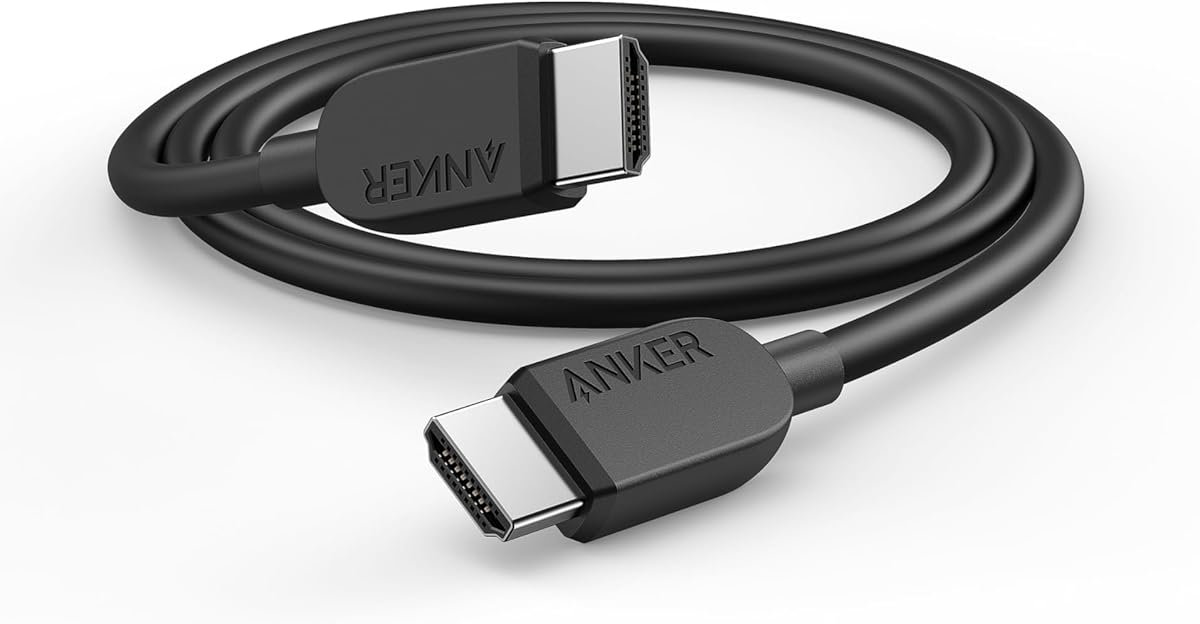
Anker's 6FT HDMI 2.1 Cable is a 4.7-rated, certified option that focuses on the fundamentals needed for Xbox Series X gaming. It supports 8K at 60Hz, 4K at 120Hz, 4K at 60Hz, and up to 48Gbps bandwidth. Its six-foot length is long enough for a typical media console while remaining short enough to avoid excess cable behind the television.
We may earn a commission when you buy through this link, at no additional cost to you.
The product information is refreshingly straightforward. It positions the cable as a clear, high-speed connection for tablets, laptops, projectors, desktop displays, and other HDMI devices. It includes a welcome guide, an 18-month warranty, and customer support. A stated bend endurance of up to 1,000 bends is the primary physical specification, giving the cable a credible but less exceptional durability claim than some competitors.
Compared with the brand's other cable in this guide, this model has a shorter feature list and lower stated bend figure. It does not emphasize the same breadth of connector materials, advanced audio support, or 10,000 plug cycles. Those differences matter most if the cable is expected to move frequently, travel with equipment, or serve as the only connection in a large entertainment system.
The Anker is a good fit for a straightforward Xbox Series X and television arrangement, especially for buyers who value a recognized brand and included warranty. It is particularly appropriate when six feet is the ideal reach. If you need advanced audio, broad PC-oriented refresh rates, or a longer installation, one of the other cables may be a better match.
Six feet provides enough reach for most console stands and entertainment cabinets without creating a large coil of unused cable. It is a practical middle ground between a compact five-foot lead and a ten-foot installation.
Certification, 48Gbps bandwidth, and 4K120 support provide everything the Xbox Series X needs for mainstream high-resolution gaming. The uncluttered feature set makes the cable easy to evaluate against a television's requirements.
We may earn a commission when you buy through this link, at no additional cost to you.
UGREEN's 10FT HDMI 2.1 Cable is a 4.8-rated extended cable that combines premium specifications with a long installation reach. It supports 48Gbps bandwidth, 8K at 60Hz, 4K at 240Hz, VRR, ALLM, QFT, Dynamic HDR, and eARC. The ten-foot length makes it a compelling option for wall-mounted televisions, larger entertainment centers, and setups where the Xbox sits farther from the display.
We may earn a commission when you buy through this link, at no additional cost to you.
Construction is a major part of the product's appeal. The connector housings use aluminum alloy, contacts are nickel-plated, and the outer jacket is braided nylon. These materials are intended to improve resistance to bending and rupture without sacrificing flexibility. The cable also supports HDCP 2.2 and 2.3, Ethernet, 3D, and a broad range of source and display devices, including Xbox Series X and S.
The tradeoff is physical rather than technical. A ten-foot cable can be inconveniently long for a console sitting immediately below the television, and excess length may need to be coiled neatly behind the screen. Its most advanced modes also remain dependent on the connected equipment. A standard 4K60 television will not become a 4K240 or 8K display simply because the cable supports those formats.
This is the premium pick for buyers who want a single long cable to serve a capable Xbox and a broader home-entertainment system. The combination of reach, certification, advanced gaming features, audio support, and reinforced construction is especially useful behind a wall-mounted television. Choose it when every inch of reach is intentional and your display can take advantage of its capabilities.
Ten feet removes much of the pressure to use an extension or place the console inconveniently close to the screen. It is a practical length for mounted displays, low cabinets, and entertainment furniture with deeper layouts.
Aluminum alloy connector housings and nickel-plated contacts complement the braided jacket. The combination is designed to withstand repeated handling while preserving signal quality through a long cable run.
We may earn a commission when you buy through this link, at no additional cost to you.
The LEVELHIKE Original OEM cable is a 4.6-rated option explicitly designed for Xbox Series X and Series S. Its five-foot length keeps the console connection compact, while the stated ultra-high-speed HDMI 2.1 positioning supports 4K gaming at up to 120 frames per second, HDR, and 8K output. It is a direct, console-oriented option for nearby televisions.
We may earn a commission when you buy through this link, at no additional cost to you.
The advertised gaming feature set includes Auto Low Latency Mode and HDMI variable refresh rate. HDR is presented as a means of adding brighter highlights, deeper shadows, and more realistic reflections to supported games. The cable is also described as suitable for 4K UHD Blu-ray, adding value if the same connection serves a disc player or other home-theater source.
Compared with the UGREEN, Silkland, and Ubluker options, LEVELHIKE provides fewer detailed specifications about bandwidth, connector metallurgy, bend testing, and maximum color modes. Its stated 48Gbps bandwidth is not included in the supplied product details, so buyers should not assume that every headline high-resolution mode of a more fully specified cable is supported. The five-foot length may also be too short for some furniture arrangements.
LEVELHIKE is best for an Xbox placed directly below or beside a television and for owners who want a simple console-oriented cable without unnecessary excess length. It also offers a one-year replacement arrangement according to the product information. Choose it for a neat, focused setup, and verify the connector and display requirements if you expect more advanced PC-oriented modes.
Explicit Xbox Series X and Series S compatibility makes the product easy to understand as a console cable. Its core promise centers on smooth 4K120 gaming, HDR, VRR, and automatic low-latency behavior.
Five feet is sufficient for many console-and-television arrangements and avoids the coil of spare cable found with longer options. It is an effective choice when a clean setup matters more than flexible routing.
We may earn a commission when you buy through this link, at no additional cost to you.
Ubluker's 5FT HDMI Cable offers a 4.7 rating and a surprisingly complete technical profile in a compact size. It advertises 48Gbps bandwidth, 10K at 60Hz, 8K at 60Hz, 5K high-refresh modes, and 4K at 144Hz or 120Hz. For an Xbox Series X, that makes it more than capable of carrying the console's key 4K120 gaming output with VRR and ALLM.
We may earn a commission when you buy through this link, at no additional cost to you.
The product information lists HDMI 2.1, 2.1a, 2.0b, 2.0a, 2.0, and several earlier standards, providing a broad compatibility foundation. Features include 1ms latency, low EMI, SBTM, QMS, QFT, Dynamic HDR, HDR10, CEC, HDCP 2.2 and 2.3, and VESA DSC 1.2a. Audio coverage includes eARC, ARC, DTS Master Audio, DTS:X, Dolby TrueHD, Dolby Vision, and Dolby Atmos.
The five-foot length is the most important practical limitation. It works well for a console positioned close to the television, but it may not reach a wall-mounted screen or a console inside a deep cabinet. The product description also gives less detail about connector materials and flex testing than some competing models, so durability cannot be compared as precisely. As always, advanced modes require compatible source devices and displays.
This Ubluker model is a compelling compact choice for a clean, nearby Xbox setup that still wants a broad standards list. It balances modern bandwidth, high-refresh gaming, HDR, and audio support without demanding a long cable. Choose it when five feet is sufficient and you want a feature-rich alternative to a basic console lead.
4K120 support is the essential Xbox gaming benefit, while the listed 4K144 mode adds flexibility for compatible PCs and displays. A compact five-foot format makes these capabilities accessible in less crowded setups.
CEC, HDCP, eARC, and modern HDR support can be useful beyond gaming. They make the cable relevant to televisions, soundbars, projectors, Blu-ray players, and other devices sharing the same entertainment cabinet.
We may earn a commission when you buy through this link, at no additional cost to you.
The right Xbox Series X cable depends on your television's capabilities, the games you play, your audio setup, and the distance between devices. These are the main factors to evaluate before choosing a cable.
For a modern Xbox Series X setup, prioritize an HDMI 2.1 cable advertised for 48Gbps bandwidth and official certification. Certification indicates that the cable has been tested against a defined standard, which can provide more confidence than a generic description containing high-resolution and refresh-rate claims. A certified cable gives you a clearer foundation for 4K high-refresh gaming, VRR, and modern audio features.
Look for certification details that can be verified, and make sure the cable has an actual Ultra High Speed or HDMI 2.1 designation. Do not confuse high-resolution wording with full bandwidth certification, and remember that the cable still needs to work with a compatible television and game.
The Xbox Series X's most important high-performance target is 4K at 120Hz in games that support it. A cable should explicitly advertise 4K120 support, along with 48Gbps bandwidth, to avoid bandwidth limitations when using a modern television or gaming monitor. Higher advertised modes such as 4K144 or 4K240 can be useful for a PC or specialized display, but they are not necessary for standard Xbox gaming.
Your television must independently support the selected resolution, refresh rate, HDR format, and color mode. A cable cannot upgrade a 60Hz television, so checking display specifications remains essential before spending time on mode comparisons.
Variable refresh rate allows a compatible television to synchronize its refresh timing with the game, which can make motion appear smoother. Auto Low Latency Mode can automatically enable a television's low-latency setting when it recognizes a suitable gaming source. These features improve the experience only when the console, television, and individual game all support them.
Prefer cables that explicitly list VRR and ALLM, especially for a display bought or configured primarily for gaming. The features are less relevant to basic media viewing, but they are among the most meaningful reasons to choose a modern ultra-high-speed cable for the Xbox Series X.
HDR support is important for Xbox owners using games and streaming services with high dynamic range content. Modern cables may advertise Dynamic HDR, HDR10, HDR10+, or Dolby Vision compatibility, but these terms describe cable capability rather than the final picture quality. The television, source material, game, and selected picture mode determine the result.
For the most flexible setup, choose a cable that advertises modern HDR and a full 48Gbps bandwidth. Verify that your television can accept the Xbox's HDR output in the color format you want to use, since some combinations of resolution, refresh rate, and chroma sampling can require bandwidth adjustments.
An HDMI cable can carry digital audio as well as video, and newer eARC functionality can send full-resolution television audio to a compatible soundbar or receiver. This matters if you want formats such as Dolby Atmos or DTS:X through a television-based audio setup. The cable should list the standards required by your sound system and television.
Do not assume that every advanced cable will improve sound quality. The source game or service, television, soundbar or receiver, and configured audio mode determine the result. For most Xbox gaming, a cable with 48Gbps bandwidth and modern HDMI support will carry the required audio, but eARC and format support are worth checking when your setup includes advanced home audio.
Five feet is usually enough when the Xbox sits directly below the television, while six to seven feet offers more freedom around a typical media cabinet. Ten feet is useful for wall-mounted displays, larger furniture, or consoles placed at a distance. Avoid choosing extra length automatically, since unnecessary cable can be difficult to hide and may create a bulky loop behind the television.
Measure the intended route rather than relying only on the distance between devices. Include space behind the console, television stand, and wall mounting. If the required run is much longer than ten feet, a high-quality active or optical HDMI solution may be worth considering instead of an unpowered cable.
The connector ends and the cable immediately beside them experience the most stress. Braided nylon jackets, flexible strain relief, reinforced tails, and metal connector housings are useful signs of a design intended for repeated handling. A stated bend or plug-cycle figure can also help distinguish construction claims, although these figures are not directly comparable across every manufacturer.
Choose a cable with a connector shape that fits your television and console ports without forcing the plug at an angle. Also check whether the cable is too thick to route through a narrow cabinet opening, because a highly reinforced cable that cannot be installed neatly may be less practical than a more flexible alternative.
Product listings often combine official specifications with broad marketing phrases such as 8K, 10K, gaming, or ultra-high-speed. Official certification is the clearest way to distinguish a standardized cable from one whose headline capabilities are not independently verified. It does not guarantee that every advertised refresh rate will work with every device, but it offers a stronger basis for the core 48Gbps claim.
Compare cables using the details that matter: certification, 48Gbps bandwidth, 4K120, VRR, ALLM, HDR, length, and construction. Ignore modes that your equipment cannot use, and avoid assuming a longer specification list automatically produces a better Xbox gaming experience.
Begin by identifying the correct HDMI input on your television and connecting it to the rear HDMI output on the Xbox Series X. Power the television and console first, select the matching input, and allow the system to establish a connection before changing picture or audio settings. If the screen remains blank, try a different television input and reconnect the cable at both ends.
For the best gaming experience, enable the appropriate 4K and high-refresh setting in the television's game or picture menu, then confirm the matching mode in the Xbox settings. Enable HDR when your television and supported content are ready for it. If you use a soundbar or receiver through eARC or ARC, configure the television's audio output separately and test the game again to confirm that the selected mode remains stable.
Route the cable without creating sharp bends, excessive tension, or a tight coil behind the console. Hold the connector housing rather than pulling the cable itself when disconnecting it, and avoid frequently unplugging a settled installation. If the picture flickers or drops out, reseat both ends, check the television input, and test another source or cable to determine whether the issue lies with the cable, the console, or the display.
The Xbox Series X includes an HDMI cable, and that cable is sufficient for many televisions and standard gaming situations. To use 4K at 120Hz, VRR, and modern HDR features, however, a television with compatible capabilities and a certified ultra-high-speed HDMI cable are strongly recommended. Choose a newer cable when your display supports high-resolution gaming or you want additional headroom for other devices.
An 8K-capable cable does not make an ordinary television display in 8K. The Xbox Series X can output up to 4K in standard console gaming, and an 8K cable matters only if your display supports a compatible 8K input or if you plan to use the cable with other devices. For most Xbox users, certification, 48Gbps bandwidth, and 4K120 support are more meaningful priorities.
No. A compatible cable is only one part of the equation. Your television must support the target resolution and refresh rate, the Xbox must output the correct signal, and the game must offer a compatible graphics mode. VRR also requires compatible software and enabled television settings, so check each part of the setup rather than judging the cable alone.
A five-foot cable is usually enough when the console is directly below or beside the television, especially on a compact stand. Measure the full intended route if the television is wall-mounted, mounted on a raised shelf, or positioned farther from the console. A six- or ten-foot option may provide cleaner routing in those situations.
Start by checking that the television is on the correct HDMI input and that the console is fully powered on. Reseat both cable ends, try another input, and confirm that the selected picture mode is compatible with the console's output. If the problem continues, test the cable with another HDMI source or device, because a faulty cable, television port, or console port can produce similar symptoms.
The cable should advertise modern HDMI bandwidth and eARC or ARC support, but the cable alone does not create surround sound. Your television must support the desired connection, the soundbar or receiver must support the audio format, and the correct audio mode must be selected. Once those requirements are met, a modern 48Gbps HDMI cable provides the necessary foundation.
No. Thickness may reflect a thicker conductor set, protective jacket, or connector housing, but it does not independently prove better signal performance. Certification, 48Gbps bandwidth, appropriate gaming features, and sound construction are more useful indicators. A very thick cable can also be difficult to bend or route through a narrow entertainment cabinet.
Yes, many modern HDMI cables can carry video from the Xbox or PC to a television and support eARC audio from the television to a soundbar. The television must provide at least two suitable inputs, and it must be configured to send audio through the selected return-audio path. A certified cable with 48Gbps bandwidth, VRR, ALLM, HDR, and eARC is ideal for this multi-device arrangement.
The Anker HDMI 2.1 Cable is the most balanced overall choice, combining official certification, 4K120 support, a 4.8 rating, and a refined braided build. The Highwings 48Gbps cable is the strongest budget-oriented option for players seeking 4K120, VRR, and a reinforced cable without an elaborate feature list. For longer installations, UGREEN's 10FT model adds premium construction, advanced audio support, and useful reach.
Prioritize a certified 48Gbps cable with explicit 4K120, VRR, and ALLM support, then choose the length that suits your furniture. HDR, eARC, and higher refresh modes are useful only when your television, audio equipment, and games support them. Durable connectors, a flexible jacket, and a secure fit are also important for a connection that will remain installed while the Xbox is used regularly.
Product details and pricing can change over time, so verify the current listing, cable length, certification status, and television compatibility before purchasing. Checking the Xbox's selected output mode after connecting the cable is the quickest way to confirm that the installation is delivering the picture and audio features you intended.