
ASUS TUF VG27AQL1A
4.6Editor score
Overclocked 170Hz refresh rate
1ms MPRT response time
G-SYNC compatible operation
HDR400 and 130% sRGB
A 27-inch WQHD gaming monitor offers an appealing balance of visual detail, responsiveness, and desk-friendly dimensions. The 2560 x 1440 panel provides substantially more room than Full HD, while a high refresh rate, adaptive synchronization, and quick pixel response help competitive titles feel fluid and precise.
The monitors in this guide were compared using the specifications supplied by their manufacturers, with particular attention to resolution, refresh rate, response time, variable-refresh-rate support, color coverage, connectivity, and stand flexibility. The list includes flat and curved models, different synchronization platforms, and options aimed at value-focused and premium buyers.
Each review explains the strongest features, practical trade-offs, and the kind of player most likely to benefit. The selections range from 170Hz to 260Hz models and include both general-purpose Fast IPS displays and more specialized gaming features. Product availability, configurations, and promotional terms can change, so confirm current listing details before purchasing.
4.6Editor score

4.7Editor score
4.4Editor score
As an Amazon Associate we earn from qualifying purchases.
This side-by-side overview compares every selected monitor by panel format, refresh rate, motion response, adaptive synchronization, and color or connectivity features, making it easier to identify the model that matches your preferred hardware and gaming style.
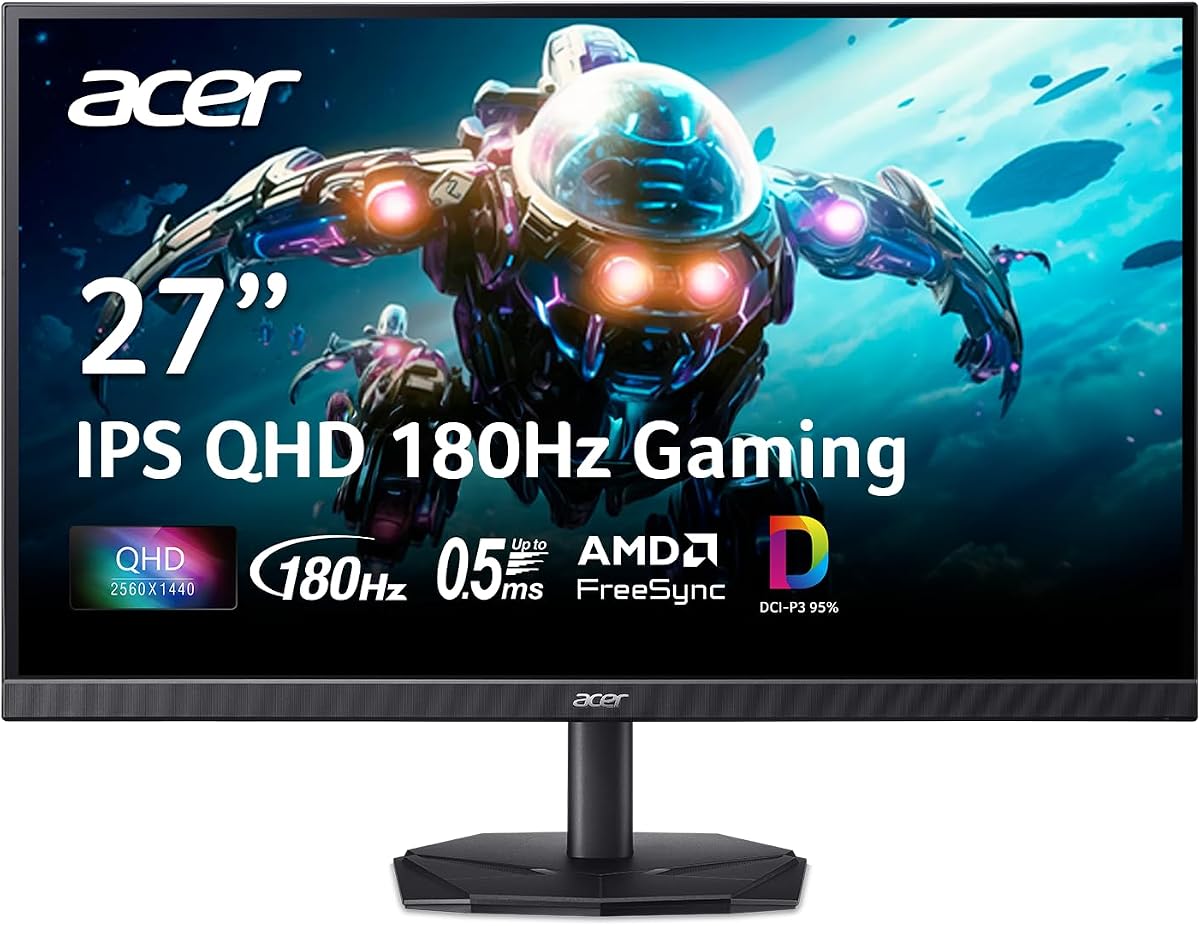


The Acer Nitro KG271U combines a 27-inch IPS panel, native 2560 x 1440 resolution, and a refresh rate reaching 180Hz. With a supplied rating of 4.5, it presents a compelling combination of detail and speed for a broad range of competitive and immersive games. Its zero-frame construction also gives the display a modern, space-conscious appearance.
We may earn a commission when you buy through this link, at no additional cost to you.
The strongest gaming specification is the advertised 0.5ms GTG response time, which is intended to keep fast transitions and moving objects clear. AMD FreeSync synchronizes the panel with compatible graphics output to reduce tearing and stuttering, while 180Hz provides ample headroom for high-frame-rate experiences on capable hardware.
Color capability is another differentiator. Support for DCI-P3 95% makes the KG271U appealing not only for gaming but also for photography, graphic design, and video editing. The main limitation is that the supplied specifications do not list integrated speakers, while the degree of stand adjustment is also not described.
This monitor is a strong recommendation for gamers who want a 1440p panel without sacrificing high refresh rate, adaptive synchronization, or color breadth. It may be especially useful for players who move between competitive titles and creative workloads and want one display to handle both roles effectively.
The combination of 180Hz operation and a listed 0.5ms GTG response time targets the short frame times demanded by competitive shooters, racing games, and fast arcade-style titles. FreeSync adds a foundation for smoother presentation when the connected graphics card can operate beyond the monitor's native refresh rate.
DCI-P3 95% coverage is unusual in this segment and gives the KG271U an advantage for users who care about saturated color and accurate creative work. The QHD IPS panel also offers more usable workspace than Full HD for multitasking beside a game.
We may earn a commission when you buy through this link, at no additional cost to you.
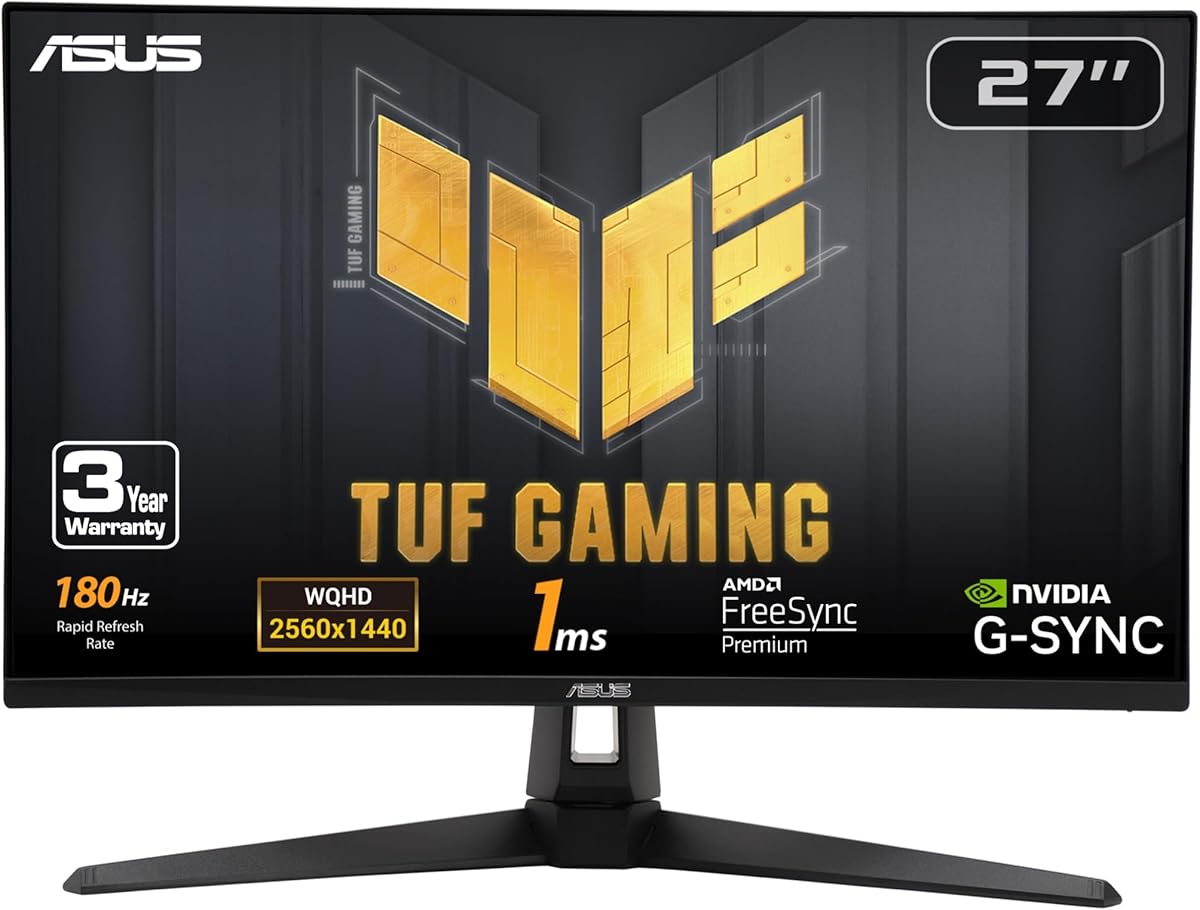
The ASUS TUF VG27AQ3A is one of the most flexible options in the guide because it supports G-SYNC compatibility, FreeSync Premium, and AdaptiveSync. Its 27-inch Fast IPS panel runs at up to 180Hz, and the supplied 4.6 rating reflects a broadly favorable feature set for modern PC gaming.
We may earn a commission when you buy through this link, at no additional cost to you.
ELMB Sync is designed to combine ASUS Extreme Low Motion Blur technology with variable-refresh-rate operation, helping reduce ghosting while keeping the image stable. The panel's listed 1ms response time and 130% sRGB gamut support crisp, colorful competitive play, while HDR10 can provide brighter highlights and more dimensional imagery.
Unlike several alternatives, this monitor includes integrated speakers, which makes it convenient for casual sessions, console menus, or temporary use without a full desktop audio setup. The package also includes a DisplayPort cable, power components, an L-shaped screwdriver, and a quick-start guide.
Choose the VG27AQ3A if you want broad graphics-card compatibility, strong motion features, built-in audio, and a high-refresh 1440p panel in one package. It is particularly suitable for owners of both NVIDIA and AMD systems, although current promotion terms and availability should be confirmed before purchase.
Supporting G-SYNC compatibility, FreeSync Premium, and AdaptiveSync makes this display less dependent on one ecosystem. That versatility is useful when switching graphics cards or combining a high-refresh PC with other source hardware.
The stated 1ms response time and ELMB Sync target clear movement in competitive games. These features work alongside the monitor's 180Hz ceiling to minimize the impression of blur during rapid direction changes.
We may earn a commission when you buy through this link, at no additional cost to you.
The Acer Nitro XV271U emphasizes practical versatility with 180Hz operation over DisplayPort, a 1ms listed response time, and an unusually adjustable stand. Its supplied rating is 4.5, and the combination of QHD clarity, AMD FreeSync Premium, and flexible positioning makes it well suited to long gaming sessions.
We may earn a commission when you buy through this link, at no additional cost to you.
Height adjustment, swivel, pivot, and tilt allow the display to be positioned precisely for a desk, racing rig, or multi-monitor arrangement. Connectivity includes one DisplayPort 1.2, two HDMI 2.0 ports, and an audio output, with both DisplayPort and HDMI cables included in the box.
The principal compromise is that the maximum refresh rate depends on the connection. DisplayPort supports up to 180Hz, while HDMI is listed at up to 144Hz. The specifications also do not mention HDR, so buyers prioritizing HDR image processing may need to look elsewhere.
The XV271U is a convincing recommendation for players who want ergonomic freedom and extensive port selection alongside strong 1440p performance. It is particularly well suited to users who already know which input their gaming system uses and want that connection to deliver the highest available refresh rate.
The stand includes 4.7 inches of height adjustment, 360-degree swivel, 90-degree pivot, and tilt from negative five to 25 degrees. These controls make it easier to align the panel with a desk, cockpit-style chair, or shared workstation.
For competitive gaming, DisplayPort provides access to the full 180Hz mode. The two HDMI 2.0 connections remain useful for consoles, laptops, and secondary sources, although their listed maximum is 144Hz.
We may earn a commission when you buy through this link, at no additional cost to you.
The Samsung Odyssey G5 G51F stands out as the best-balanced model in the guide, earning the highest supplied rating at 4.7. Its 27-inch QHD panel delivers 1.7 times the pixel density of Full HD, giving games more spatial detail while retaining a familiar 27-inch footprint.
We may earn a commission when you buy through this link, at no additional cost to you.
A 180Hz refresh rate, listed 1ms response time, and AMD FreeSync work together to support fast and stable motion. HDR10 adds brighter highlights and more nuanced shadows, while the Black Equalizer gives players a way to improve visibility in dark game areas without necessarily brightening the entire image.
The ergonomic stand supports tilt, pivot, and height adjustment, allowing the display to suit different seating positions and desk layouts. The supplied information does not mention built-in speakers, and FreeSync is the only adaptive synchronization platform explicitly listed, which may matter to users with particular NVIDIA preferences.
This is the most broadly satisfying recommendation for a player who wants high refresh rate, accurate motion response, HDR support, and flexible adjustment without an overly specialized feature list. It suits competitive multiplayer, open-world games, and general desktop use particularly well.
At 2560 x 1440, the G51F provides a substantial increase in pixel density over a 1080p display. The 27-inch size preserves a manageable desk footprint while giving fast-paced games and detailed interfaces more room to breathe.
The Black Equalizer is particularly relevant in shadow-heavy shooters and survival games. It can help players distinguish enemies or environmental details that would otherwise disappear into dark areas, while HDR10 expands the range between highlights and shadows.
We may earn a commission when you buy through this link, at no additional cost to you.
The SANSUI 200Hz Display is an appealing high-refresh option, combining a 27-inch QHD IPS panel with a maximum refresh rate of 200Hz and a listed 1ms response time. Its 4.4 supplied rating reflects a feature-rich specification set aimed particularly at performance-conscious PC gamers.
We may earn a commission when you buy through this link, at no additional cost to you.
The port selection is unusually generous for this category. Two DisplayPort 1.2 inputs can support up to 180Hz, while two HDMI 2.0 ports support up to 144Hz. A DisplayPort cable is included, and an audio jack provides a basic way to route sound to headphones or external speakers.
Color and comfort features include HDR, 120% sRGB coverage, 320-nit brightness, low-blue-light technology, and anti-flicker operation. The stand allows only negative five to 15 degrees of tilt, so users who need height, pivot, or swivel adjustment will have fewer options. There are also no built-in speakers.
This monitor makes sense for gamers who prioritize refresh rate, connectivity, and useful gaming overlays at a value-oriented position. Crosshair, timer, RTS, FPS, and racing assists can be helpful, though players who require extensive ergonomic movement should consider a more adjustable alternative.
A 200Hz maximum can make fast movement appear smoother than on conventional 144Hz or 165Hz displays, provided the graphics system and connection can drive the selected mode. The listed 1ms response target supports the same performance-oriented positioning.
Built-in crosshair, timer, and genre-specific assists can be useful for practice, benchmarking, and competitive titles. They reduce the need for separate overlays, although the display's productivity features remain focused more on gaming than office work.
We may earn a commission when you buy through this link, at no additional cost to you.
The second SANSUI model emphasizes both speed and physical flexibility. Its 27-inch Fast IPS panel runs at up to 200Hz, supports AMD FreeSync, and has a listed OD response time of 1ms. The supplied rating of 4.5 is a strong result for a monitor with such a broad feature set.
We may earn a commission when you buy through this link, at no additional cost to you.
Its standout advantage is stand articulation. The monitor supports height adjustment from zero to 130 millimeters, swivel, pivot through negative 90 to positive 90 degrees, and horizontal tilt from 25 degrees left to 25 degrees right. A Kensington lock is also included, making the display easier to secure in a shared or public setting.
Image specifications include 400-nit brightness, 10-bit color, 130% sRGB coverage, DCI-P3 95%, HDR, and a 178-degree viewing angle specification. Two DisplayPort 1.4 connections can reach 200Hz, while the HDMI 2.0 inputs are listed at up to 144Hz.
This model is well suited to users who regularly reposition their display, alternate between portrait and landscape orientations, or need height and swivel control. It is also compelling for high-refresh gaming, though the lack of listed built-in audio means external speakers or headphones remain necessary for sound.
The broad pivot and swivel range makes portrait use practical for documents, chat windows, and compact side-by-side layouts. Rotating the panel also makes it easier to align the screen with different seating positions or mounting arrangements.
DCI-P3 95%, 130% sRGB, 10-bit color, and 400-nit brightness create a strong specification foundation. The dual DisplayPort 1.4 connections are the preferred inputs for reaching the monitor's 200Hz ceiling.
We may earn a commission when you buy through this link, at no additional cost to you.
The KOORUI G2721P combines a 27-inch 1440p Fast IPS panel with a 200Hz refresh rate, 1ms listed response time, and FreeSync. It does not have a numerical supplied rating, so this recommendation is based on its published specifications rather than a comparison of customer rating totals.
We may earn a commission when you buy through this link, at no additional cost to you.
Color performance is a defining strength. DCI-P3 95% coverage and a stated total of more than 16.7 million colors position the G2721P for vivid gaming and wider creative use. The panel specification also promises consistent color from different viewing angles, which is useful when the screen is not positioned directly in front of the user.
Gaming features include a game mode designed to reveal details in shadows and a precise-positioning option intended to improve target visibility. The minimalist enclosure uses a thin-bezel design, and the stand offers negative five to 20 degrees of tilt. A VESA-compatible mounting option adds flexibility for an arm or wall arrangement.
This is a strong choice for a player who wants high refresh rate and a broad color gamut in a relatively minimalist 27-inch form. Because the supplied information provides no customer rating, consider reading current buyer feedback and checking the detailed port specifications on the listing before finalizing a purchase.
DCI-P3 95% coverage supports saturated reds, greens, and blues in compatible content. The color specification makes the G2721P relevant for games as well as photo viewing, media consumption, and light creative work.
The combination of 200Hz operation, a listed 1ms response time, and FreeSync targets quick motion with reduced tearing. These specifications are well suited to fast-paced games where clarity during turns, strafing, and rapid camera movement matters.
We may earn a commission when you buy through this link, at no additional cost to you.
The Acer Nitro EDA270U offers a 1500R curved 27-inch QHD panel, 180Hz refresh rate, and up to 1ms response time. With a supplied rating of 4.4, it is a practical choice for gamers who prefer the enveloping visual field of a curved display over a flat panel design.
We may earn a commission when you buy through this link, at no additional cost to you.
AMD FreeSync Premium helps synchronize frame output with compatible graphics hardware, while the 180Hz refresh rate gives fast-paced games a smooth presentation. The monitor is HDR Ready and includes two 2-watt speakers, making it more practical for casual console gaming or system sound without adding separate desktop speakers.
Its ergonomic limitations are the main trade-off. The stand provides tilt from negative five to 20 degrees but no listed height, swivel, or pivot adjustment. Mounting is possible through a 75 by 75 millimeter VESA pattern, which is smaller than the 100 by 100 millimeter arrangement common on several rivals.
The EDA270U is best for players who value immersion, want 180Hz gaming at 1440p, and are comfortable with a more limited stand. A flat display may be preferable for work that depends on straight lines, precise geometry, or frequent screen repositioning.
The 1500R curve is moderate enough to suit both games and general media while creating a more enveloping field than a flat panel. It can make the edges of the image feel closer, improving the sense of presence in racing, action, and exploration titles.
The pair of integrated 2-watt speakers provides a convenient secondary audio option. While not intended to replace a full entertainment system, they are useful for menus, voice communication through a connected setup, and casual gaming.
We may earn a commission when you buy through this link, at no additional cost to you.
The ASUS TUF VG27AQL1A is a premium-oriented 27-inch QHD IPS monitor built around a 170Hz overclocked refresh rate, a listed 1ms MPRT response time, and G-SYNC compatibility. Its supplied 4.6 rating and broad gaming feature set make it a strong option for dedicated PC players.
We may earn a commission when you buy through this link, at no additional cost to you.
ASUS Extreme Low Motion Blur Sync works with G-SYNC-compatible variable refresh rate to target ghosting and tearing during high-frame-rate play. The monitor also supports HDR400, uses a professional color gamut, and has a typical brightness specification of 350 cd per square meter.
The panel operates in a standard 16:9 ratio with 178-degree viewing angles in both directions. Its 130% sRGB coverage offers more saturated color than the basic sRGB space, while Eye Care features are included as part of ASUS's visual-comfort approach. The supplied maximum refresh rate is explicitly an overclocked 170Hz, with standard 144Hz support.
This display is recommended for enthusiasts who want refined synchronization behavior, low-blur gaming, HDR400, and broad color without moving to a 4K or OLED-class budget. The included three-month Adobe Creative Cloud subscription has a stated expiration date, so eligible creative users should evaluate that benefit based on their own software needs.
G-SYNC compatibility and ELMB Sync form a focused package for NVIDIA-oriented systems. The combination is intended to keep frame delivery stable and reduce the blur that can occur when fast game imagery changes direction.
HDR400 support, 350-nit typical brightness, and 130% sRGB coverage create a more involving image in compatible games. The specification also makes the monitor useful for general media work, although it remains far short of the peak brightness and tonal range associated with premium OLED models.
We may earn a commission when you buy through this link, at no additional cost to you.
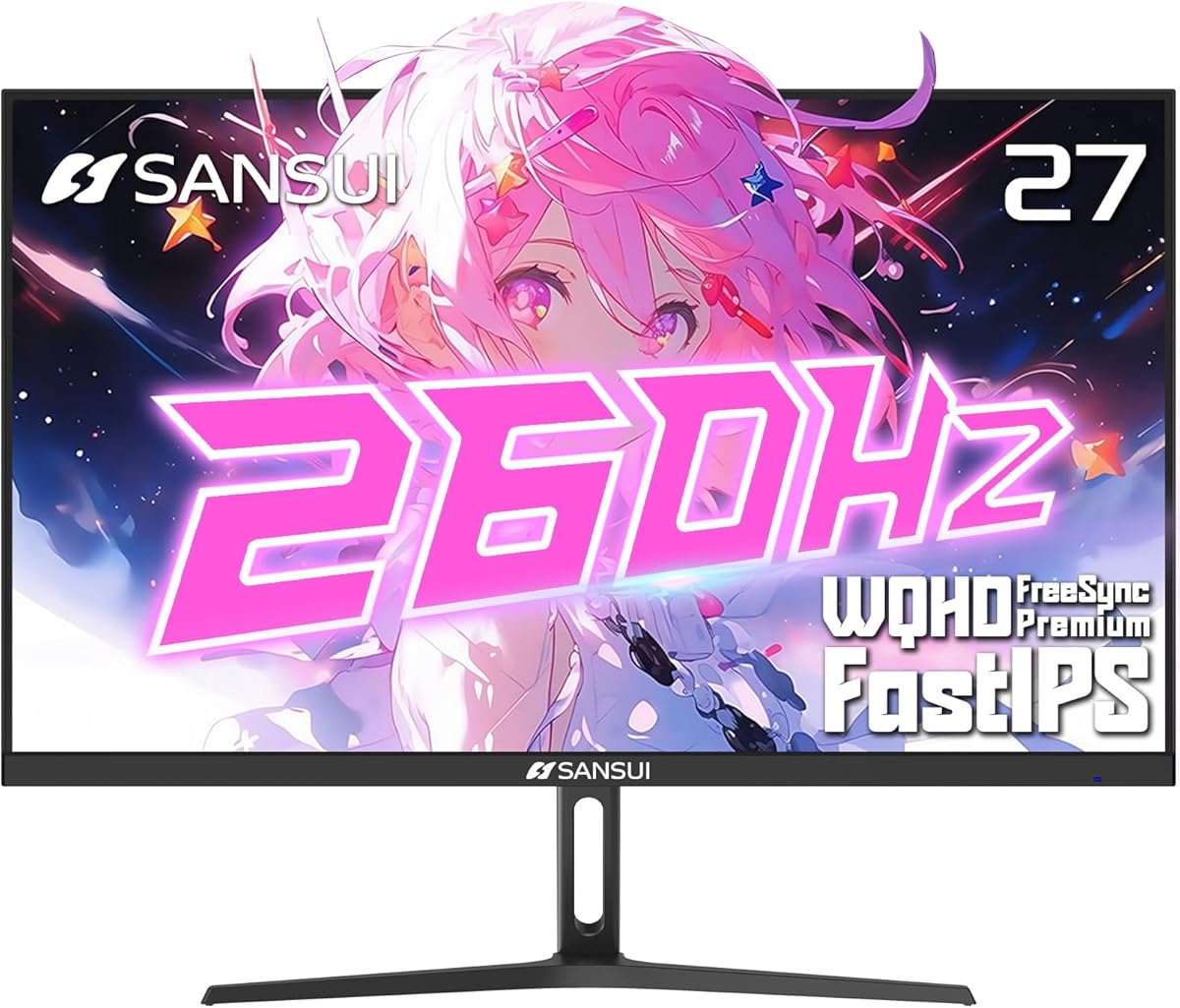
The SANSUI 260Hz Display is the speed-focused outlier in the guide, featuring a 27-inch 2560 x 1440 Fast IPS panel capable of reaching 260Hz. Its supplied 4.4 rating accompanies a 1ms MPRT response time, FreeSync Premium, and an unusually high stated maximum refresh rate.
We may earn a commission when you buy through this link, at no additional cost to you.
The headline 260Hz mode is available through DisplayPort 1.4, with two such inputs supplied. The two HDMI 2.0 connections are listed at up to 144Hz. A 3.5mm headphone jack supports private audio, while crosshair, racing, RTS, and FPS assistants support a gaming-focused interface.
Image specifications are also ambitious, including DCI-P3 98%, 130% sRGB, 10-bit color, HDR10, 320-nit brightness, low-blue-light technology, and anti-flicker support. The 178-degree horizontal and vertical viewing-angle specification suggests broad visibility, although the supplied information does not mention built-in speakers.
This model makes the most sense for owners of a powerful graphics card that can consistently drive very high frame rates and for competitive players who value maximum refresh headroom. The stand only supplies tilt, so buyers should also consider an arm if frequent height or swivel adjustment is important.
The 260Hz maximum provides substantial headroom for competitive games and high-refresh esports. Real-world benefits depend on the capabilities of the graphics card and game, but the panel is designed to make very short frame intervals available when the system can supply them.
The included information specifically notes that a cable must support 2560 x 1440 at 260Hz to achieve the intended mode and image quality. Players should therefore confirm cable capabilities rather than assuming every included or available cable can carry the highest refresh setting.
We may earn a commission when you buy through this link, at no additional cost to you.
The best gaming monitor is the one that balances visual clarity, motion performance, synchronization, color, connectivity, and comfort with the hardware you already own. The following factors help narrow a large field of 27-inch QHD displays without reducing the decision to refresh rate alone.
A 2560 x 1440 panel provides roughly 2.1 times the pixel count of a 1920 x 1080 display, producing more detailed game imagery, clearer text, and more desktop workspace. At 27 inches, it also offers a useful balance between screen size and pixel density, avoiding the extremely fine scaling associated with 4K at smaller dimensions.
In practice, the resolution is well suited to modern PC gaming because it is easier for many graphics cards to drive than 4K while still providing a clear upgrade over Full HD. Competitive players can maintain high frame rates, and productivity users gain room for windows, communication tools, and editing interfaces.
Refresh rate determines how many times the display updates each second, and the right target depends on the games you play and the graphics output available. A 180Hz or 200Hz monitor offers a strong competitive advantage over 144Hz, while a 260Hz model can be useful for high-end esports systems that regularly produce exceptionally high frame rates.
Higher numbers are not automatically better for every user. Fast cinematic games are often limited by rendering speed, and many players value color, synchronization, or ergonomic features more than the final 20Hz. Check whether a stated maximum applies to every input or only to DisplayPort, because HDMI limits may differ.
Fast response is important because pixels that change too slowly can create visible trails during rapid movement. Specifications in this category use several terms, including GTG, MPRT, VRB, and OD response, so a 0.5ms figure on one listing may not measure the same phenomenon as a 1ms MPRT claim on another.
Treat the number as one part of the overall motion package. Refresh rate, FreeSync or G-SYNC compatibility, low-motion-blur processing, and panel quality jointly influence the experience. Reviewing the full specification is more informative than selecting a display solely because it advertises the smallest response-time number.
Variable refresh rate dynamically adjusts the display's timing to match the frame rate supplied by the graphics card, helping reduce tearing and stuttering. AMD FreeSync is common in this category, while G-SYNC compatibility is especially relevant to NVIDIA systems, although some monitors support several synchronization methods.
Your graphics card should be a major factor in the decision. If you own an AMD GPU, prioritize strong FreeSync support; NVIDIA owners may prefer a model with explicit G-SYNC compatibility. Verify how the monitor behaves below its maximum refresh rate, since a wide supported range generally produces a more consistent experience.
A broad color gamut makes games look more saturated and can be valuable for photo, video, and graphic-design work. DCI-P3 95% is a meaningful target for a gaming display, while the SANSUI 260Hz model reaches a listed DCI-P3 98%. More basic monitors may still provide acceptable results for games but offer less headroom for color-critical work.
HDR support should be evaluated carefully because labels such as HDR Ready, HDR400, and HDR10 do not all communicate identical capabilities. Look at the specified brightness, contrast behavior, and whether local dimming is present. HDR improves only when the game, graphics output, and display are configured correctly, so it should complement rather than outweigh core gaming performance.
A good gaming monitor should sit comfortably at eye level and remain aligned with your seating position. Height adjustment, swivel, and pivot are valuable for switching between competitive play, console gaming, and productivity. Some models offer extensive movement, including portrait orientation, while others provide tilt only and may work best with an adjustable monitor arm.
Flat and curved panels also have different practical qualities. A flat screen can be easier for exact geometry, spreadsheets, and text-heavy work. A 1500R curve can feel more immersive for entertainment and action games. Consider desk depth, monitor-arm compatibility, and the supplied VESA pattern before choosing either shape.
DisplayPort is generally the preferred connection for reaching high refresh rates at 2560 x 1440, while HDMI provides broad compatibility with consoles, laptops, and other devices. Some of these monitors include two DisplayPort and two HDMI inputs, making it easier to keep a gaming PC, console, and secondary computer connected at once.
The maximum refresh rate may differ by port. For example, several models reach 180Hz or 200Hz over DisplayPort but list 144Hz over HDMI. A cable must also support the intended resolution and refresh rate. Pay attention to included cables, audio output, headphone connections, and whether the monitor has built-in speakers before finalizing the setup.
Fast IPS panels form the core of this guide and generally prioritize gaming responsiveness while offering broad viewing angles. Color coverage, bit depth, brightness, and HDR support determine how well a model also handles creative work. A high refresh rate alone does not make a display ideal for photo editing, video production, or general office productivity.
Think about how the monitor will be used most often. Competitive players should emphasize refresh rate, response, and sync compatibility. Sim racing and immersive action games may benefit from a curved panel and strong HDR. Creators should examine gamut coverage, color accuracy claims, uniformity, and the availability of suitable calibration tools.
Install the supplied stand or compatible VESA mount on a level surface, allowing enough clearance for ventilation and comfortable viewing. Connect the graphics system through DisplayPort when targeting the monitor's highest refresh rate, select the correct 2560 x 1440 operating mode in the graphics control panel, and confirm that the on-screen display reports the intended rate.
Enable the appropriate adaptive synchronization option in both the graphics software and monitor menu, then adjust brightness, contrast, and game-specific display modes in a room with typical ambient lighting. Avoid setting every control to an extreme. A natural-looking image reduces eye strain and makes it easier to judge targets, text, and environmental details during play.
For cleaning, unplug the monitor and use a soft microfiber cloth lightly dampened with water. Avoid spraying liquid directly onto the screen, and do not use abrasive, ammonia-based, or harsh chemical cleaners. Keep vents free of dust, route cables without excessive strain, and use the monitor's power-saving or automatic sleep functions when it is not in use.
For most modern PC gaming, a 27-inch 1440p monitor offers a substantial visual upgrade over 1080p. The higher resolution produces more detail, while a larger pixel canvas can also make on-screen interfaces appear smaller and more readable. The main trade-off is greater GPU demand, so your graphics card and preferred resolution settings need to support the extra workload.
You do not need the highest available rate for every game, but fast competitive titles can benefit from 180Hz or more. A 200Hz or 260Hz model is most useful when the graphics card and game consistently generate frame rates near those levels. For story-driven, strategy, or slower titles, color, HDR, ergonomics, and resolution may contribute more to daily satisfaction.
GTG response time generally describes how quickly a pixel changes from one color state to another. MPRT is a motion measurement that can include processing and therefore may appear more favorable than GTG. Because manufacturers use the terms differently, compare them cautiously and use refresh rate, adaptive synchronization, and panel type to understand overall motion performance.
FreeSync is not absolutely necessary, but it can reduce screen tearing and stuttering by matching the display's refresh timing to the graphics card's frame output. Compatibility works best when the game stays within the supported frame-rate range. A strong gaming PC may also use V-Sync or frame-rate caps effectively, so synchronization remains one part of a broader setup.
Flat panels are generally preferable for productivity, precise geometry, and multi-user desk arrangements, while a moderate 1500R curve can enhance immersion in racing and action games. The difference is subjective, so consider the screen's footprint and avoid assuming that a curved panel is automatically more comfortable. A monitor that fits your desk and viewing position matters more than curvature alone.
Use the connection and cable specified for the highest mode, which is commonly DisplayPort for 180Hz, 200Hz, or 260Hz operation. Select 2560 x 1440 at the intended refresh rate in the operating system's display settings, and check the monitor's own information menu to verify that the mode is active. HDMI may have a lower listed maximum on the same display.
Built-in speakers are convenient for system sounds, casual console gaming, and temporary use, but they are not a substitute for a quality headset or external speaker system. Some models in this guide include 2-watt stereo speakers, while others provide only an audio output or headphone jack. Gaming audio is usually better experienced through a dedicated headset.
Yes, especially when the display offers strong color-gamut coverage and a high-quality IPS panel. Options with DCI-P3 95% or 98% and 10-bit color are particularly relevant to photography, graphic design, and video editing. Accurate factory calibration, uniformity, and the software used to create the project still influence the final result.
The Samsung Odyssey G5 G51F is the most balanced overall recommendation, combining 180Hz, a listed 1ms response time, FreeSync, HDR10, a useful Black Equalizer, and adjustable positioning. The ASUS TUF VG27AQ3A stands out for broad synchronization support and integrated speakers, while the SANSUI 260Hz Display offers exceptional refresh headroom and wide color coverage for competitive systems.
Before buying, match the monitor to the hardware you actually own. Use DisplayPort for the highest listed refresh mode, check whether your graphics card supports the resolution and frame rates you want, and consider FreeSync versus G-SYNC compatibility. Ergonomic adjustment, panel shape, HDR, and color gamut should be judged against your normal mix of gaming, work, and entertainment.
Finally, review the current listing, warranty terms, included accessories, and product specifications before ordering. Promotional bundles and offer dates can change, and compatible accessories may not always be included. The right 27-inch WQHD gaming monitor is ultimately the one that delivers the features you value without paying attention to specifications your system cannot use.