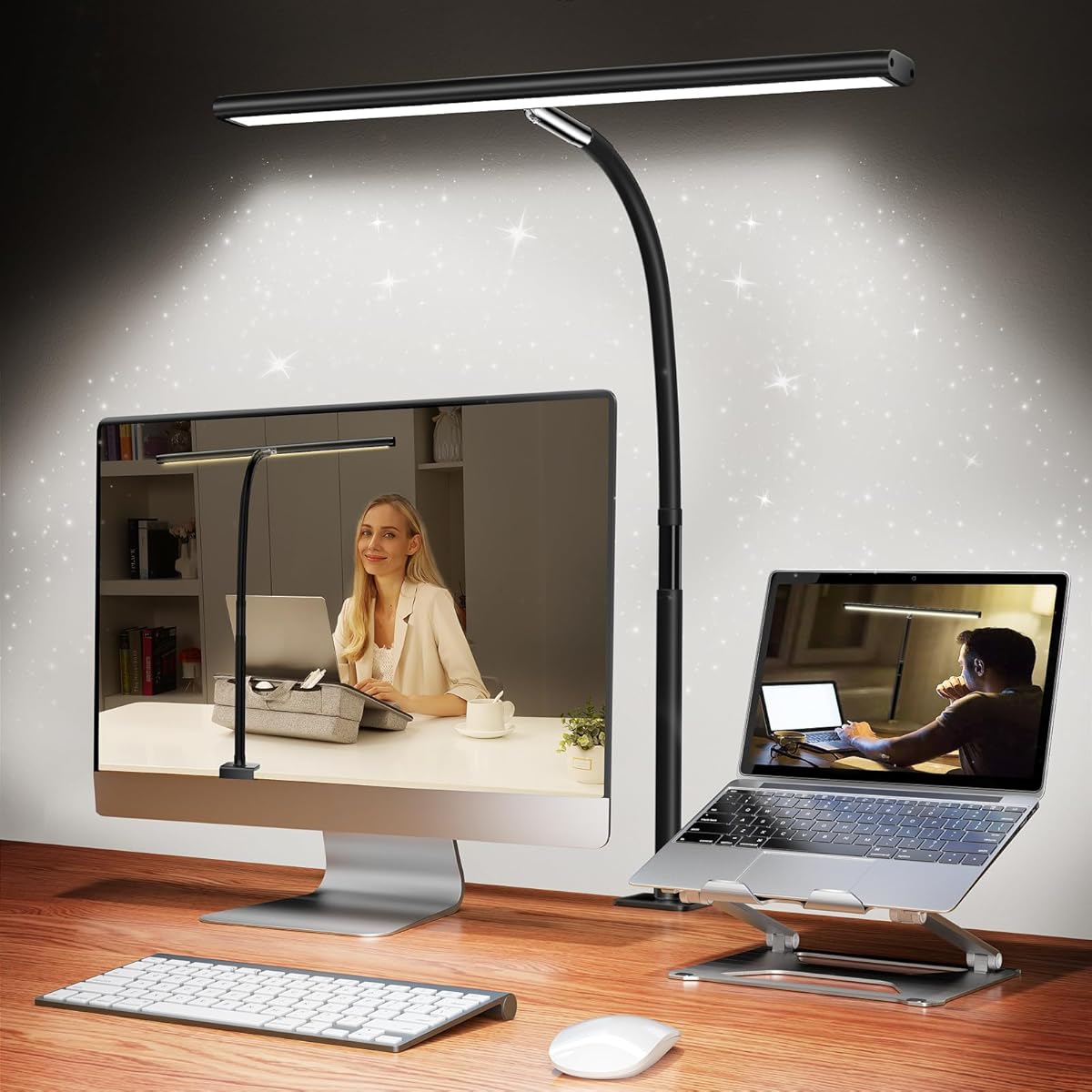
Airlonv LED Desk Lamp
4.5Editor score
Wide 17-inch light bar
Stepless brightness control
Adjustable metal clamp
Cubicle lights bring focused illumination to compact workstations where overhead fixtures may be harsh, uneven, or entirely absent. The right model should cover your keyboard, notes, and monitor without creating screen reflections, consuming valuable desk space, or creating visual clutter. A clamp-mounted bar or articulated architect lamp is often more practical than a conventional table lamp in a crowded work area.
We compared ten products using the specifications provided, focusing on light coverage, mounting style, color-temperature options, dimming controls, articulation, timer functions, and the space needed around the workstation. The list includes traditional single-bar clamp lamps, dual-head designs, four-head task lights, and a rechargeable under-shelf bar so readers can compare several distinct cubicle-lighting approaches.
Each selection below highlights the reasons a particular model may fit a workspace, along with practical limitations to consider before ordering. Product ratings reflect the supplied customer feedback, while retail pricing and availability can change over time. Check the current listing and confirm desk, monitor, and mounting dimensions before making a final selection.
4.5Editor score

4.7Editor score

4.6Editor score
As an Amazon Associate we earn from qualifying purchases.
The table below compares the ten cubicle lights by design, coverage, lighting controls, and mounting method, making it easier to identify the model that best fits your desk and daily routine.
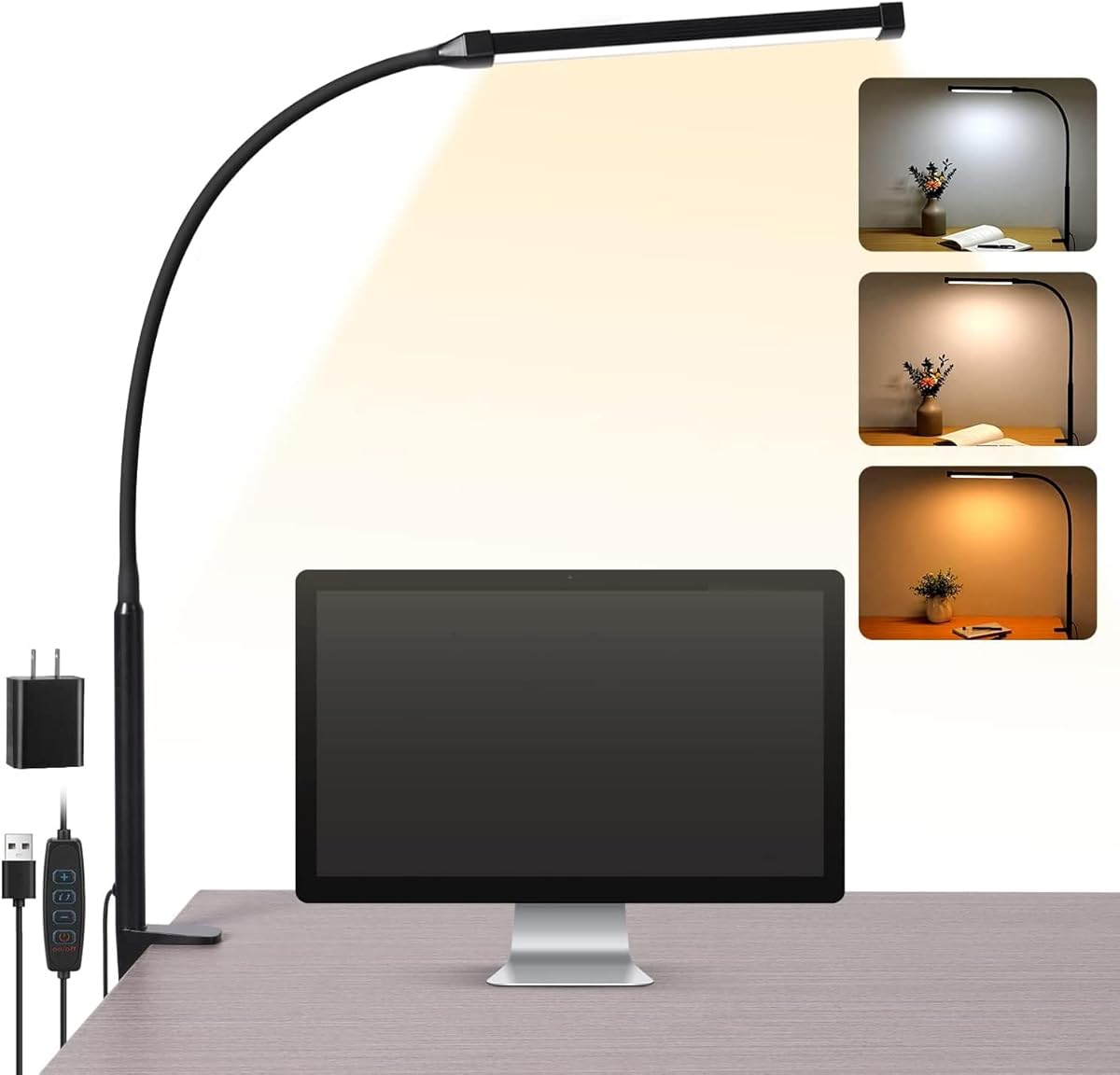
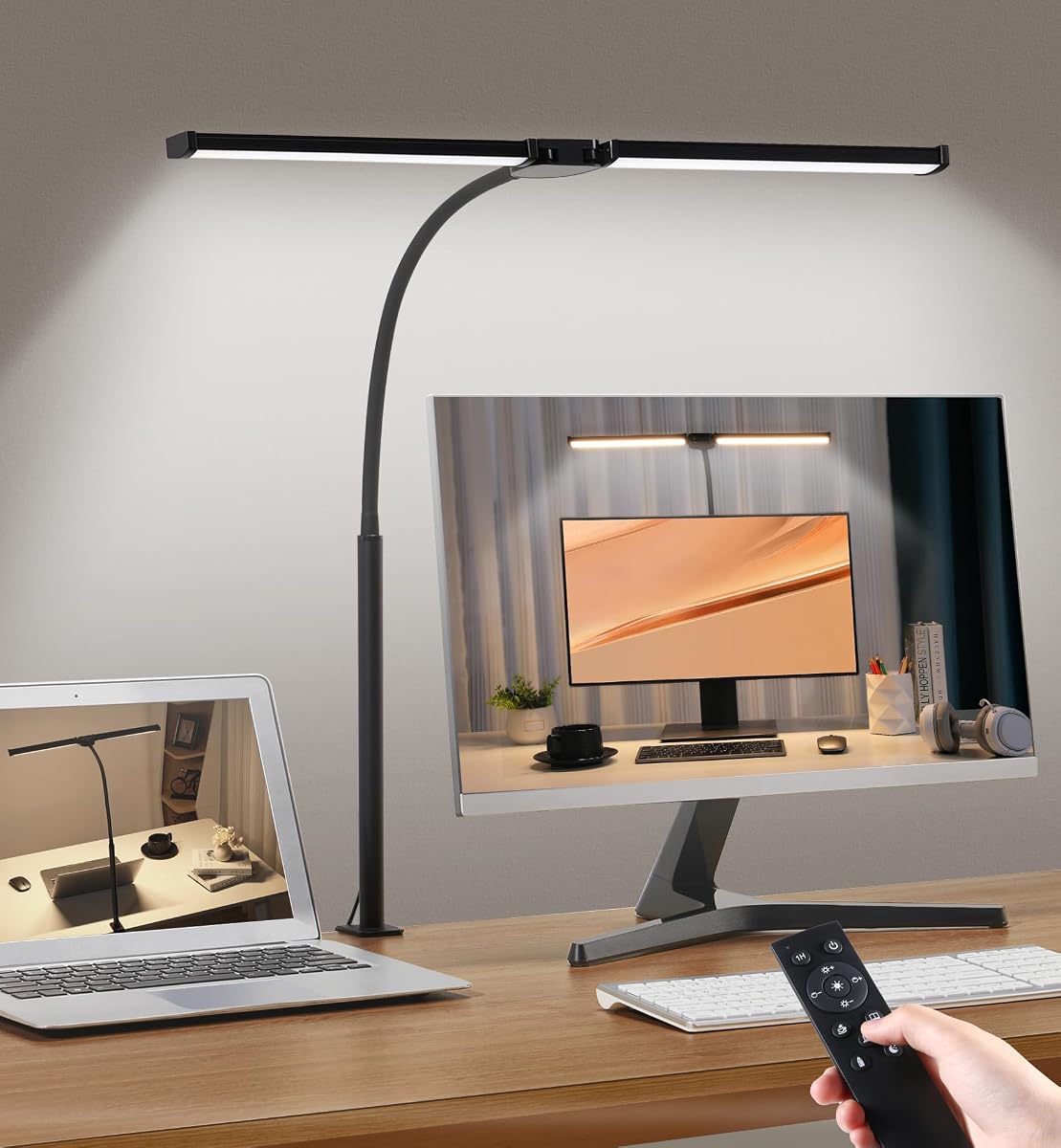


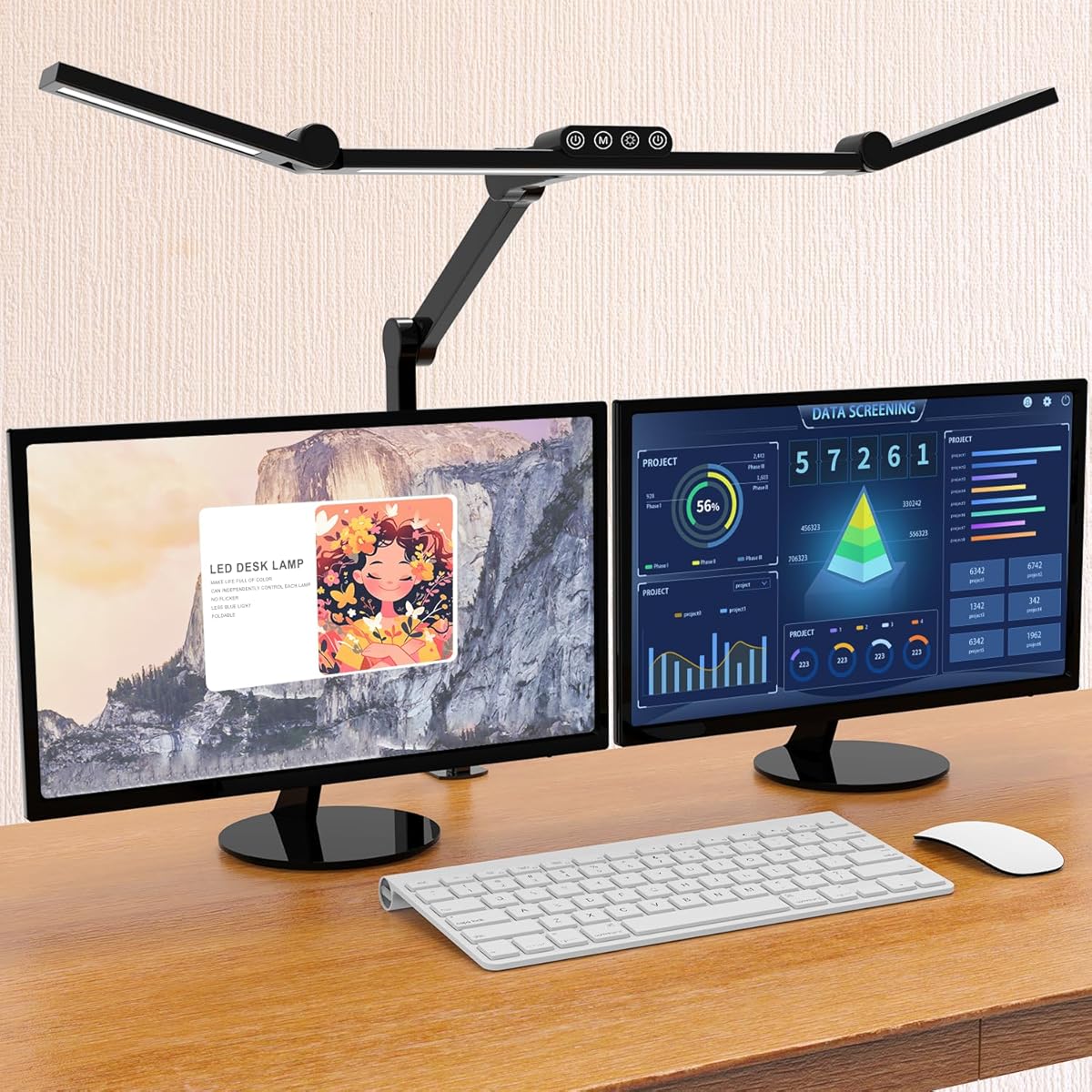
The Airlonv LED Desk Lamp is a straightforward single-bar clamp light built for users who want a generous pool of useful light without paying for a complex multi-arm design. Its supplied rating is 4.5, and the strongest feature is its stepless dimming system, which ranges from 1% to 100%. That makes it easy to move from a soft evening glow to stronger task illumination without settling for a small set of preset levels.
We may earn a commission when you buy through this link, at no additional cost to you.
Its 17-inch bar is designed to illuminate a substantial portion of a work surface, while the 360-degree adjustable gooseneck allows the light to be directed toward writing, a keyboard, or a large monitor. The 2700K-to-6500K range covers warm, neutral, and cool conditions, making the lamp useful across reading, studying, and computer work. A metal clamp supports desktops up to 2.36 inches thick and preserves the space a conventional base would occupy.
The product also includes a 5V/3A adapter, wire-management features, and an LED array described as producing soft, even light without visible strobing. It does not offer independently controlled auxiliary lights, a timer, or a remote, so users who want more granular control should consider a dual- or multi-head alternative. Those omissions do not undermine the lamp's straightforward task-lighting role, but they limit its flexibility in elaborate workstations.
This is a sensible selection for students, writers, programmers, and general office workers who want adjustable brightness and color from one uncluttered clamp lamp. It is especially useful when desk space is constrained and a broad horizontal bar is preferable to a traditional table lamp. For buyers prioritizing simplicity, smooth dimming, and flexible placement, it offers a compelling balance of useful features and straightforward operation.
Stepless dimming gives this model an advantage for readers, students, and anyone whose lighting needs change throughout the day. A wide color-temperature range also allows the same fixture to feel warm during relaxed reading and more neutral while working.
The clamp keeps the lamp head suspended over the work area while freeing the surface below. This is particularly advantageous in a cubicle where a conventional lamp base would occupy valuable room or interfere with keyboard and document storage.
We may earn a commission when you buy through this link, at no additional cost to you.
The Voncerus LED Desk Lamp is a practical, uncluttered option for small cubicles and home offices. Its supplied rating is 4.6, and it focuses on familiar essentials: a flexible gooseneck, three color temperatures, ten brightness levels, and a clamp that frees the desktop. The 360-degree neck can direct light toward a notebook, keyboard, or side workspace with relatively little effort.
We may earn a commission when you buy through this link, at no additional cost to you.
Its lighting modes span 2700K warm light, 4500K warm white, and 6500K cool light. Rather than continuous adjustment, the lamp uses ten discrete brightness steps, which makes settings easy to reproduce and explain. A memory function restores the previous mode after the lamp is switched on, reducing repetitive adjustments for people who begin each day with the same configuration.
The lamp is preassembled, plugs into USB power, and includes a 5V/2A adapter, so it is ready for use without requiring a separate power purchase. Its aluminum light board is designed to dissipate heat effectively, and the manufacturer advertises a service life of up to 50,000 hours. The ultra-thin bar is intended to provide broad, even light while reducing glare, flicker, and ghosting.
Choose this model when you want reliable clamp lighting without remote controls, timers, or multiple independently aimed heads. It is best suited to a single work zone and users who value familiar stepped brightness levels over stepless control. The trade-off is less wide-area illumination than the long dual-head and four-head alternatives in this guide, but that focused design works well for a compact cubicle.
The combination of a straightforward control scheme, included adapter, and preassembled clamp makes setup straightforward. This is useful for employees who want an immediately usable light without configuring an app, pairing a remote, or learning an extensive control panel.
The memory function is particularly helpful for consistent routines. Once a preferred color and brightness are selected, the lamp returns to that setup, removing the need to repeat the same adjustments every morning.
We may earn a commission when you buy through this link, at no additional cost to you.
The Adjustable LED Desk Lamp with Clamp and Remote is the most feature-intensive option in this guide, earning the Best Premium designation. Its supplied rating is 4.6, while its four-head configuration distinguishes it from conventional single-bar clamp lights. Two main heads and two auxiliary heads can be controlled separately, allowing broad task lighting, ambient illumination, or a combination of both.
We may earn a commission when you buy through this link, at no additional cost to you.
The lamp uses 192 LED beads across a 24W output and specifies a color rendering index above 95. Its remote supports stepless brightness adjustment from 10% to 100% and color temperatures from 3000K to 5700K. Six presets—writing, computer, music, drawing, leisure, and night-light modes—reduce the need to customize every setting. Auto-close timers at 10 and 40 minutes add another layer of automation.
Articulation is extensive: the design combines a 360-degree neck, 180-degree folding swing arms, 270-degree rotating heads, and a rotatable clip base. Each arm is described as eight inches long, allowing the light bars to extend as far as 40.9 inches and cover a desk as wide as 90 inches. The aluminum-alloy construction and sturdy clamp, rated for desktops up to two inches thick, are intended to support both reach and durability.
This model is best for large cubicles, drafting tables, creative studios, and demanding multi-monitor users who value reach and independent control more than minimalism. Its size and number of adjustments may feel excessive in a small workstation, but for expansive desks the four heads can eliminate dark corners and provide task-specific illumination. It is a premium feature set with a clear purpose rather than a generic upgrade.
Controlling the main and auxiliary heads separately makes it possible to brighten a central drafting area while leaving softer light elsewhere. This flexibility is valuable for users whose work shifts between close detail tasks, computer work, and general ambient illumination.
The wireless remote places brightness, color, presets, and timers within reach without requiring the user to move the lamp. Stepless control and hand-wave activation add convenience for frequent adjustments during long work sessions.
We may earn a commission when you buy through this link, at no additional cost to you.
The Motumen LED Desk Lamp offers a middle-ground approach between a simple single-bar light and an elaborate architect lamp. It carries a supplied rating of 4.6, and its dual-head design provides broader illumination for reading, writing, crafts, and computer work. A compact clamp saves desktop space, while the flexible goose-neck helps position the heads over different work zones.
We may earn a commission when you buy through this link, at no additional cost to you.
Lighting customization includes five color temperatures from 3000K to 6500K and five brightness levels from 20% to 100%. These controls are available through either the on-lamp button or a remote with a stated range of up to 32.8 feet. The remote may be especially useful in a cubicle where the lamp is mounted beyond arm's reach, and the memory function restores the last selected setting.
A one-hour timer provides a practical automatic shutoff for study sessions and evening work. The light source uses 168 LED beads intended to provide uniform brightness and lower energy consumption than traditional lighting. Compared with continuous-dimming models, the five discrete brightness levels are less nuanced, and there is no mention of multiple timer intervals or separate controls for each head.
This lamp is a good match for users who want a wide beam, remote operation, and basic automation in a reasonably simple package. It is less suited to buyers who need stepless dimming, separate ambient lights, or a very long reach. Even with those limitations, the dual-head coverage and easy control make it a versatile choice for everyday home-office and study work.
The Motumen combines remote operation, a memory function, and a timer while retaining a straightforward dual-head format. That balance makes it easier to live with than a complex multi-arm lamp, particularly in a compact or shared workspace.
The dual heads broaden the illuminated area, making the model useful for tasks that span both a document and a keyboard. Adjustable color and brightness let users adapt the same fixture to concentrated study, office work, and detailed crafts.
We may earn a commission when you buy through this link, at no additional cost to you.
The ShineTech LED Desk Lamp is designed around the geometry of a dual-monitor workstation. Its supplied rating is 4.5, and the expandable dual-head structure spans up to 31.5 inches, allowing one fixture to illuminate both sides of a desk. The stated coverage extends to desks as wide as 71 inches, while a 26.7-inch height clearance helps it clear many monitors and laptops.
We may earn a commission when you buy through this link, at no additional cost to you.
Touch controls provide five color temperatures from 3000K to 6000K and ten brightness levels within each temperature, creating 50 combined modes. The design includes a memory function and 10- and 45-minute auto-off timers. These features make it easy to establish a repeatable setup and add a practical way to turn the lamp off after reading or late-night work.
The lamp uses a 360-degree gooseneck and heads with 180-degree adjustment. Its metal clamp accommodates desks up to 2.9 inches thick, and an EVA pad is included to help protect the contact surface. LEDs are rated by the manufacturer for up to 50,000 hours. The main compromise is physical scale: a 31.5-inch span may be excessive for a small cubicle, and the clamp must be checked against the desk material and thickness.
Choose this model for dual-monitor professionals, students, drafters, and gamers who want one light source spanning a broad work area. It offers more control combinations than many simpler lamps without reaching the four-head complexity of the premium selection. For a compact workstation, however, a narrower 17- or 23.6-inch bar may be easier to integrate.
The broad double-head span is the core advantage for dual-monitor users. It can place illumination over both work areas without requiring two separate fixtures, reducing duplicated hardware and simplifying overall desk organization.
Fifty combined lighting settings offer more choices than the basic warm-neutral-cool schemes of simpler models. Memory and two timer intervals streamline repeated use, especially for evening reading or focused study blocks.
We may earn a commission when you buy through this link, at no additional cost to you.
The EYOCEAN Desk Lamp is an Editor's Choice because it combines a wide working area, remote operation, and an asymmetrical optical design intended to reduce reflections on screens. It has a supplied rating of 4.7, the highest among the listed products. The 31.5-inch double-head lamp uses 128 LED chips and is aimed especially at users working with large or dual monitors.
We may earn a commission when you buy through this link, at no additional cost to you.
Its asymmetrical arrangement is designed to illuminate the desk while avoiding direct reflection toward the monitor and eyes. Five color temperatures are paired with five brightness levels, producing multiple lighting combinations for reading, computer work, drawing, and study. A flexible gooseneck adjusts height and direction, while the strong metal clamp supports desktops up to 2.1 inches thick.
The wireless remote makes it convenient to change settings without reaching under the desk. A memory function restores the previous configuration, and the timer provides an automatic shutoff for work sessions. The aluminum-alloy lamp head is described as having good heat dissipation, while the package includes the lamp, remote, a 71-inch UL adapter, and a user manual.
This lamp is well suited to technical professionals, designers, programmers, and anyone who wants broad illumination without directing glare into a monitor. Its wide head requires enough desk width and clearance, and the remote must remain within reach. Even so, the screen-conscious optics, useful controls, and strong supplied rating make it a particularly coherent all-around choice for a modern cubicle.
The asymmetrical optical design is the distinguishing feature for display-heavy work. By directing the source away from the screen and toward the work surface, it addresses a common problem with desk lamps that create distracting reflections.
The lamp provides enough reach and control for a multi-monitor desk without adding four independent heads. Remote operation, memory, a timer, and adjustable color make it convenient for users who change tasks throughout the working day.
We may earn a commission when you buy through this link, at no additional cost to you.
The 23.6-inch Extra-Wide LED Clamp Light is a single-bar model with a supplied rating of 5.0. Its 18W output and advertised 1200 lumens provide enough illumination for a broad study desk, dual-monitor area, or drafting workspace, while the long bar helps reduce dark patches around the center of the desk.
We may earn a commission when you buy through this link, at no additional cost to you.
Users can choose among three color temperatures—warm white, natural light, and cool white—and adjust brightness continuously through stepless dimming. This creates a useful balance between the limited color range of very basic lamps and the numerous settings found on more complex models. Soft, flicker-free, anti-glare output is emphasized for extended reading and computer work.
A flexible, durable neck allows the light to be aimed directly at the desired task, and the clamp-based form keeps the base off the work surface. The product is promoted for home offices, dorm rooms, and professional studios, where users may need broad coverage without installing a permanent lighting system. LEDs and premium internal materials are intended to support efficient, long-lasting operation.
This is a strong choice for buyers who want wide coverage and fine brightness control in a relatively simple fixture. It lacks a specified remote, timer, and memory function, and its three color temperatures may be limiting for color-sensitive creative work. Even so, it offers a focused combination of reach, smooth dimming, and a top supplied rating.
The 23.6-inch source gives a single lamp enough reach to serve a large portion of the desk. That is valuable for dual-monitor users who prefer fewer movable arms and a simpler setup.
Stepless dimming lets users set the light at the exact comfortable level rather than selecting from a small ladder of steps. This is useful when moving between detailed paperwork, keyboard work, and softer evening reading.
We may earn a commission when you buy through this link, at no additional cost to you.
The Pzloz LED Architect Lamp combines a 24W light source with flexible positioning for dual-screen work, drafting, and detailed hobbies. Its supplied rating is 4.7 reflects generally favorable customer feedback, while its architect-style construction allows the light heads to be placed over separate work areas rather than fixed over a single central point.
We may earn a commission when you buy through this link, at no additional cost to you.
The lamp provides 25 combined modes through five color temperatures from 3000K to 5500K and five brightness levels from 20% to 100%. Dedicated night-light and reading modes add further shortcuts. A wireless remote allows users to change these settings without leaving the immediate work position, which is particularly convenient when the lamp is extended toward the edge of a large desk.
Positioning options include a 360-degree standing structure, 180-degree folding swing arms, and a 270-degree rotatable lamp head. These ranges make it possible to direct light toward a keyboard, drawing surface, book, or monitor. The product is also described as producing even illumination without glare, flicker, or blue-light hazards, with the goal of reducing eye strain during prolonged use.
Choose this lamp for drafters, illustrators, engineers, students, and dual-monitor professionals who need flexible placement. It does not list a timer or memory function in the supplied specifications, so it may be less convenient for users who value automated shutdowns. Its broad adjustment range and 25 lighting combinations nevertheless make it a versatile task lamp for workspaces that change throughout the day.
The combination of folding arms and a rotating head lets the light follow the active task instead of remaining centered over the monitor. This is especially useful for draftspeople and users who alternate between paper documents and digital screens.
Twenty-five combinations offer enough control for reading, focused work, and detailed creative tasks. Night and reading modes provide quick starting points for users who do not want to build a setting from scratch every time.
We may earn a commission when you buy through this link, at no additional cost to you.
The Rechargeable Under-Desk Light Bar takes a different approach from the articulated desk lamps in this guide. Its 16.5-inch body mounts magnetically beneath a desk, shelf, cabinet, or hutch, and it operates without a connected power cord during use. This makes it useful in rental spaces, temporary workstations, and cubicles where permanent installation is undesirable.
We may earn a commission when you buy through this link, at no additional cost to you.
Two built-in 3600mAh batteries provide up to 20 hours at minimum brightness or four hours at maximum brightness. A Type-C charging port recharges the bar in roughly three to four hours. The cordless design therefore favors portability and easy placement over all-day maximum-output operation, which is the central trade-off for shoppers in this category.
Three color temperatures—3000K warm, 4500K natural, and 6000K cool white—are accessible through touch controls, and stepless dimming allows more precise brightness changes. The body rotates through plus or minus 88 degrees to alter the direction of the projected light and help avoid glare. A magnetic mount and included double-sided tape allow installation on iron surfaces, tiles, glass, and wood.
Its supplied rating of 3.8 is lower than those of the desk-lamp alternatives, so buyers should weigh the value of battery independence against the most consistently rated options. It is a good fit for renters, students, readers, and people wanting under-shelf illumination in a compact area. It is less suitable as a primary high-output architect light for intensive drafting.
Magnetic attachment makes the light bar quick to position and remove. It can move between a desk, shelf, bookcase, cabinet, or hutch, offering flexibility that fixed clamp lamps cannot provide.
The internal batteries remove the need for a wall connection during use. This is convenient in shared offices, temporary work areas, and locations where a cable would add clutter or interfere with movement.
We may earn a commission when you buy through this link, at no additional cost to you.
The Micomlan Architect Desk Lamp stands out for its combination of task lighting, ambient illumination, and automatic brightness adjustment. It has a supplied rating of 4.6 and uses a 24W output with a stated color rendering index above 90. Its three light bars and seven damped joints provide a wide range of positioning for keyboards, documents, crafts, and general desk illumination.
We may earn a commission when you buy through this link, at no additional cost to you.
The main light uses LEDs angled away at 45 degrees, with side lighting intended to illuminate the desk and keyboard rather than shine into the monitor or eyes. This asymmetric approach targets screen reflections and eye fatigue. The bilateral auxiliary lights can also point upward to create softer ambient illumination, and a built-in sensor automatically adjusts brightness according to surrounding light conditions.
Touch controls offer five stepped brightness and color levels. A long press provides stepless dimming from 20% to 100% and stepless color-temperature adjustment from 3000K to 6500K, while a memory function restores the last setting. The main and auxiliary sections must be switched on or off separately, although their brightness and color controls are handled together.
This model is a strong option for users who divide their day between detailed computer work and low-level ambient tasks. Automatic sensing reduces the need to adjust brightness when room conditions change, while the asymmetric main light supports screen comfort. Its multi-jointed frame requires adequate clearance and may be more elaborate than needed in a very small cubicle, but it offers meaningful advantages for a larger workstation.
The built-in sensor adjusts the output according to ambient conditions. This automation can make long work sessions more comfortable by reducing the need for repeated manual brightness changes.
The main bar provides directed desk lighting while the auxiliary bars can be aimed upward for softer room illumination. Separate on and off controls let users deploy each function only when needed.
We may earn a commission when you buy through this link, at no additional cost to you.
A useful cubicle light should illuminate the correct work area, fit the available space, and remain comfortable through long sessions. Evaluate coverage, mounting, adjustment, controls, power, and eye-related features together rather than focusing on brightness alone.
Coverage should match the dimensions and shape of the work surface. A single bar between 17 and 23.6 inches can illuminate a conventional workstation, while 31.5-inch double-head designs are better suited to wide desks and dual-monitor layouts. The four-head model reaches even farther and can cover as much as a 90-inch desk, but its larger structure may dominate a compact cubicle. Consider not only the stated bar length but also the lamp's height, reach, and ability to direct light toward the keyboard and papers.
Clamp lights preserve valuable desktop space, but the clamp must fit both the desk thickness and the underside construction. Listed limits range from two inches to 2.36 inches, with the ShineTech model reaching 2.9 inches. Also check whether the desk has a suitable edge, whether panels or supports obstruct the clamp, and whether a protective pad is included. The rechargeable light bar offers an alternative for renters because it attaches magnetically rather than gripping a desktop.
Color temperature affects both comfort and task suitability. Warm light around 2700K to 3000K is soothing for evening reading, neutral tones around 4500K suit general office work, and cooler settings near 6000K to 6500K can support alertness and close inspection. Stepless dimming provides finer control than a handful of stepped levels. The best setup lets you move from soft ambient illumination to a bright, focused pool without abrupt changes that cause visible eye adjustment.
Adjustment determines whether a lamp can follow different tasks. Flexible goosenecks are simple and effective for directing one bar. Swing arms and rotating heads provide more precise placement for dual monitors, drafting, sewing, and detailed paperwork. Look for a range of motion that lets the light move toward the work surface without repeatedly loosening a hinge. Strongly damped joints and a stable base are also valuable because they prevent the lamp from drifting after it has been positioned.
Touch panels and remotes make adjustments convenient when the lamp is mounted beyond arm's reach. Remotes are useful for broad or architect-style fixtures, while local buttons remain handy when a user changes position frequently. Memory functions restore a preferred configuration, which is especially useful for consistent morning routines. Timers can switch the light off automatically after a reading or study session; available intervals range from 10 and 40 minutes to one hour or 45 minutes, depending on the model.
A bright lamp can still be uncomfortable if it reflects toward a monitor or shines directly into the user's eyes. Asymmetrical or angled-away LED layouts are intended to place light on the desk while limiting screen reflections. Flicker-free and anti-glare output can also improve comfort during extended sessions. Users who perform color-sensitive work may want to pay close attention to the stated color-rendering index, with higher values generally providing more accurate color reproduction.
Most options use a USB-powered or adapter-based connection, and several include their own power adapter. Confirm that the supplied adapter is appropriate for the lamp and that the cable can reach a nearby outlet without crossing the main work zone. A rechargeable light bar offers the greatest freedom from cords, although maximum-brightness runtime is shorter. For permanent or high-output use, a wired model with an included adapter generally provides a more consistent and simpler everyday setup.
Begin by securing the clamp or magnetic mount to a stable, clean surface. Keep fingers and cables clear of the closing mechanism, tighten the fixture appropriately, and confirm that the desk can support the lamp without wobbling. For a light bar, position the source beneath or above the active work area while keeping the magnetic surface clean and firmly attached. Arrange the cable so it does not interfere with a chair, drawer, or foot space.
After installation, set the color temperature according to the task and time of day. Begin with moderate brightness, then move toward softer light for reading or relaxed work and stronger light for drafting, crafts, or detailed computer tasks. Adjust the head or arms so illumination falls across the keyboard and papers without reflecting directly from a monitor. If the lamp includes a remote, test each control and confirm that the memory function restores the intended settings.
For care, unplug the lamp before cleaning it and use a soft, dry or lightly damp cloth rather than liquid sprayed directly onto the LEDs. Clean the clamp and hinges periodically so dust does not affect grip or movement. Avoid pulling on the gooseneck or forcing a joint beyond its intended range. Rechargeable models should be kept in a cool, dry place and charged through the specified Type-C port. Replace or inspect the adapter and cable if either shows visible damage.
A single-head lamp is usually sufficient for one monitor, a laptop, or a relatively compact work area. A dual-head or four-head design is more useful when you need even coverage across a wide desk, multiple screens, or separate task zones. The additional heads also allow main and ambient lighting to be controlled independently, although they require more clearance and may be excessive in a small cubicle.
The right width depends on the usable area of your desk and the number of monitors. A 16.5- to 17-inch bar can work well for a single screen, while 23.6-inch and 31.5-inch designs are more appropriate for larger or dual-monitor arrangements. Measure the distance you want illuminated and confirm that the lamp can reach without colliding with displays or office partitions.
A neutral color temperature around 4500K is a versatile starting point for everyday computer work because it generally appears clear without feeling excessively cool. Warm tones are more relaxing for reading and evening tasks, while cooler light can support alertness and detailed work. The most useful lamp allows adjustment so you can match both the task and the time of day.
A properly installed clamp should be safe, but desk construction and thickness matter. Check the product's maximum clamping capacity, compare it with the desk's dimensions, and use any supplied protective pad. Avoid over-tightening the mechanism, and confirm that there is a solid edge for the clamp to grip rather than a hollow panel or fragile trim.
Stepless dimming allows more precise control and can make transitions between tasks feel smoother. Stepped levels are easier to reproduce and can be sufficient for users with only two or three preferred settings. If you share a workstation, remember function can make a stepped system convenient because each person can quickly restore a familiar configuration.
They can be effective for keyboard-level illumination, reading, and supplementary shelf lighting, especially in compact areas where a clamp-mounted architect lamp is impractical. A rechargeable bar is particularly useful where wiring is inconvenient. For intense drafting or a large multi-monitor desk, a brighter directional fixture may provide more even and controllable task coverage.
Any lamp can create glare if positioned poorly, but the design and angle of the light matter. Asymmetrical layouts and heads angled away from the monitor reduce reflections, while a head that can be lowered toward the work surface provides further control. If glare persists, reposition the lamp and adjust brightness instead of relying only on a screen setting.
Measure the desk thickness, available clearance, and the area you want illuminated before ordering.
Also consider how you will use it, how much adjustment you need, and whether you value remote controls, memory, or timers.
The best choices depend on workspace size and lighting priorities. The Airlonv and extra-wide single-bar models suit buyers seeking efficient clamp lighting with flexible color and brightness, while the EYOCEAN is a strong all-around choice for wide desks and monitor-focused work. The four-head model leads in reach, independent control, and premium functionality.
Prioritize clamp compatibility, useful light coverage, and the ability to direct light without screen reflections. Additional features such as remote operation, memory, and timers can improve daily convenience, but they should support your routine rather than add complexity you will not use. For creative or expansive desks, articulated architect designs offer the greatest placement flexibility.
Finally, verify the current retailer listing, included accessories, dimensions, and power requirements before purchasing. Product specifications and retail listings can change, and checking the final details helps ensure that the selected cubicle light fits your workstation as intended.
